

Reservations
Who Can Reserve a Space?
- Academic activities (those with course numbers) are handled by the Provost’s Office.
- Non-academic activities requested by individuals, groups, or organizations that are part of the WOU community, including student organizations, should review the following sections, enter their requests themselves through Ad Astra, and submit a campus event request form.
- Non-academic activities requested by individuals, groups, or organizations not affiliated with WOU should contact Conference and Event Services.
For questions, please reach out to reservations@wou.edu.
Reserving a Space on Campus
Policies
General Policies
Alcohol Policies
Catering Policies
- WOU Catering Policy
- Campus Staff and General Public Food Waiver
- Campus Organizations and Clubs Food Waiver
Specific Room Policies
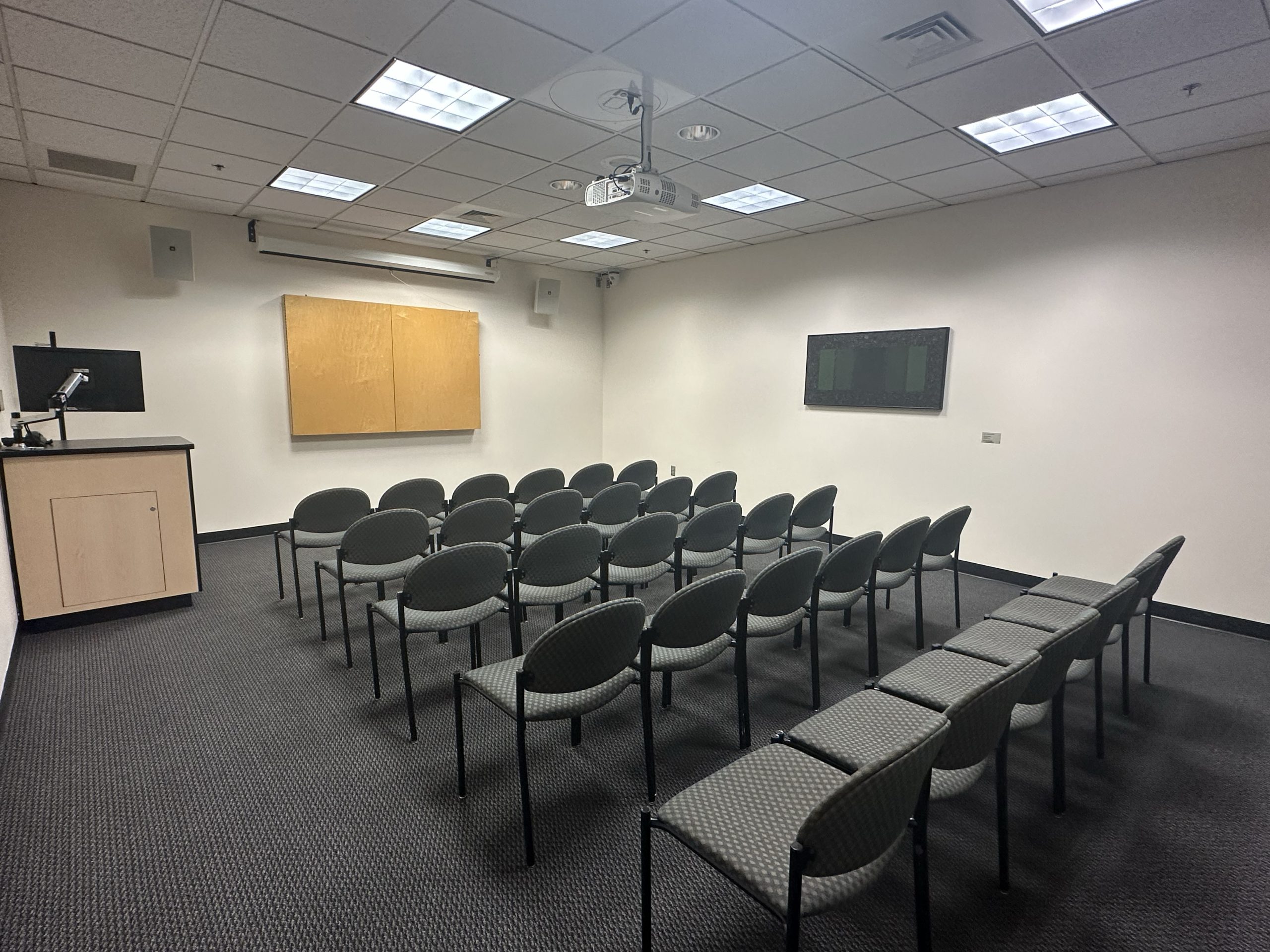
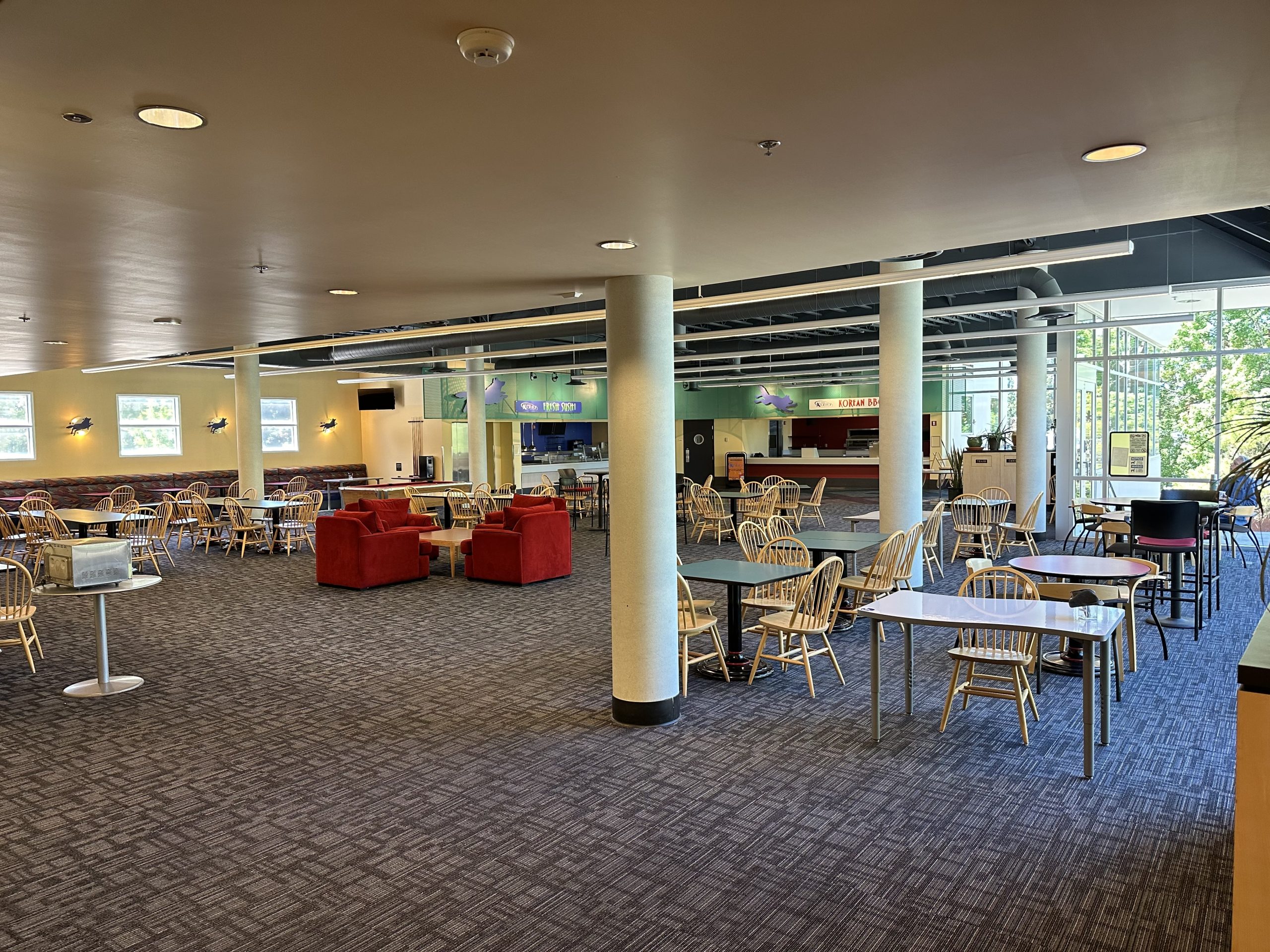
RWEC Room 101 Policy
-
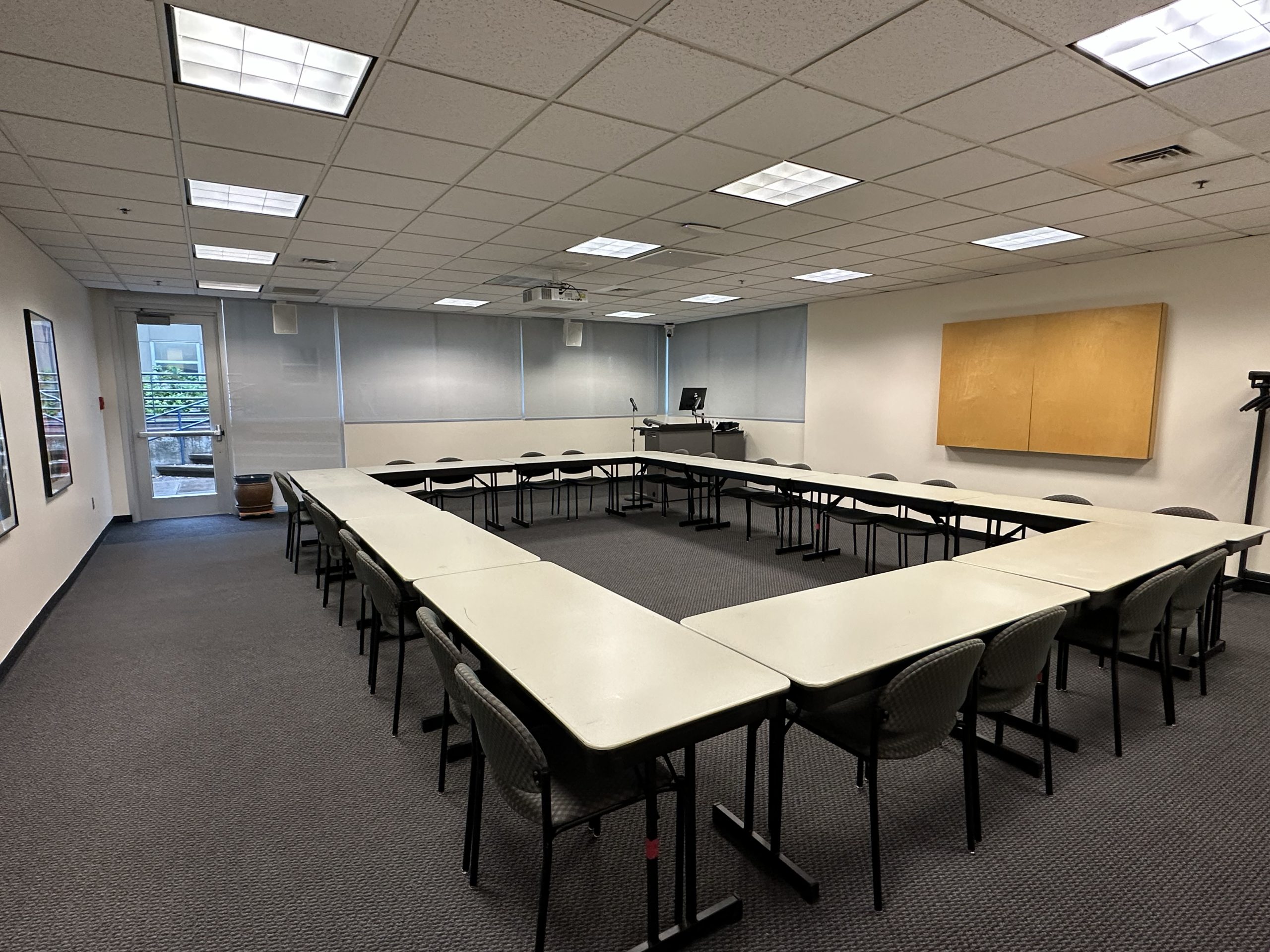
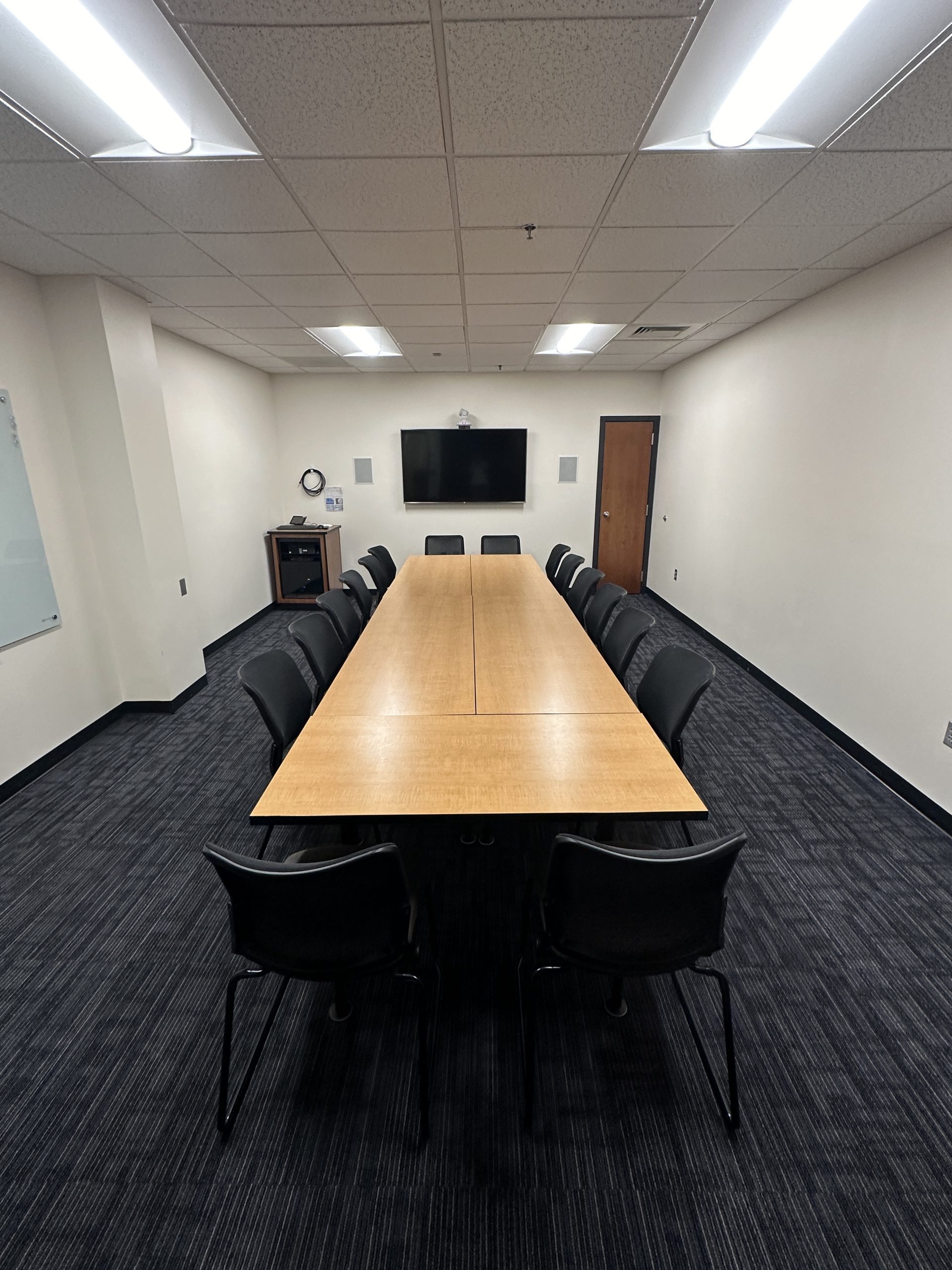
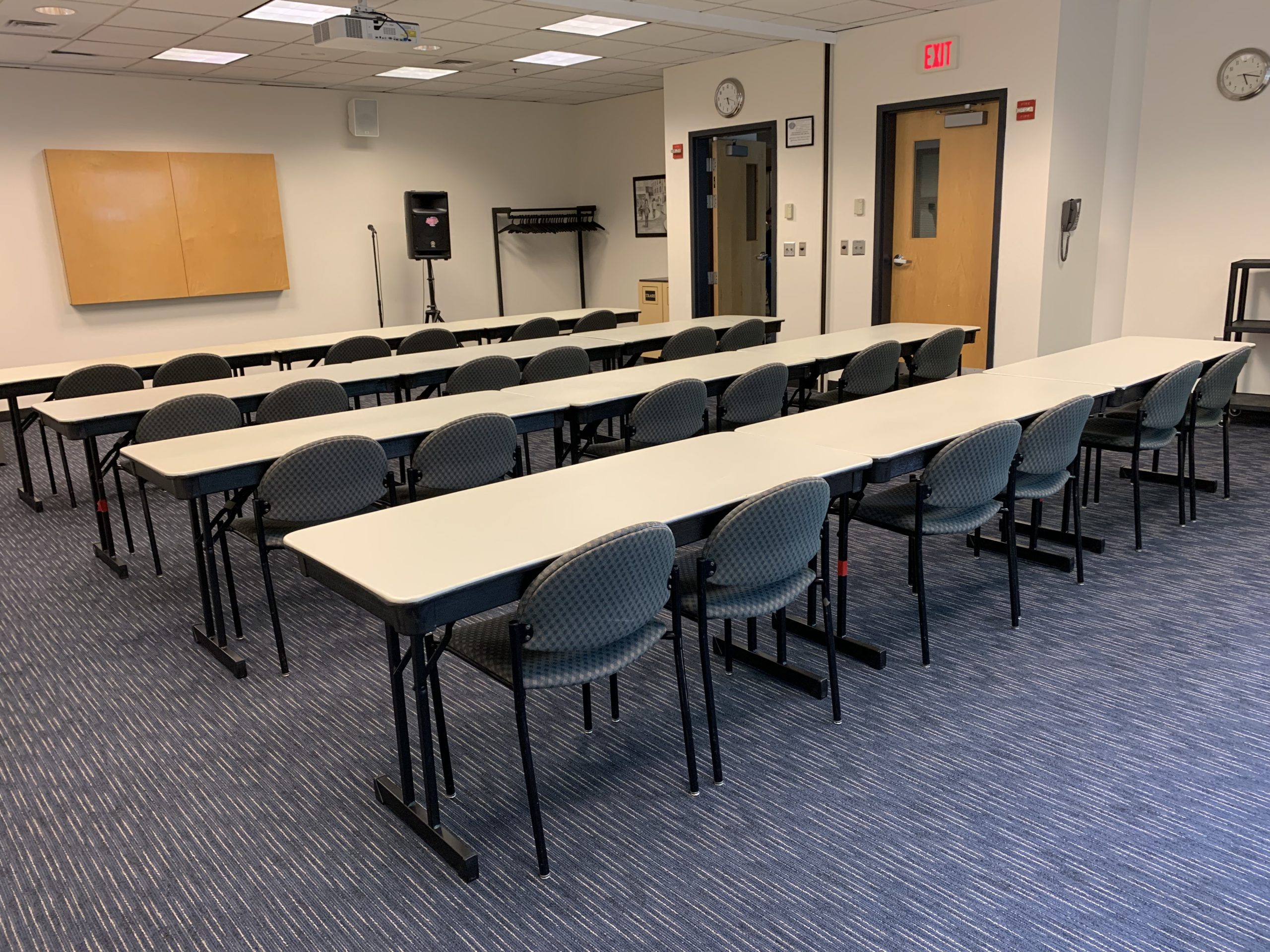
Please feel free to move furniture around as needed, but return to the original positions when your meeting is completed. Six chairs around each table, and the rest returned to the closet.
-
When moving the tables, make sure the wheels are unlocked. The lever on each wheel needs to be in the upright position when moving.
-
If there is any food, please remove it immediately after the event. If you need the kitchen available, please check in with RWEC 220.
-
Wipe down the tables and/or chairs.
-
If you need extra tech support other than what is normally available, please connect with UCS for assistance ahead of time to let them know what you will need for their planning purposes.
-
If you need to open the big sliding doors, please come to the Dean’s office for assistance, or let us know ahead of time so they can be opened for you.
-
Please remember there are many offices and courses running throughout the building at any given time, so please be respectful and keep the noise down.
-
Events expecting fewer than 40 attendees should consider other locations first. Because the room is larger and in high demand, it requires an additional level of approval for use.
Event Planning Toolkit
Refer to the Event Planning Toolkit for student organizations.
Conference and Event Services
If you plan to host a conference on campus, you must first contact our Conference and Event Services (CES) office to learn more about the necessary policies and processes.
Off-campus groups or organizations not affiliated with WOU must contact CES for approval for individual events or conferences.
Additional Costs
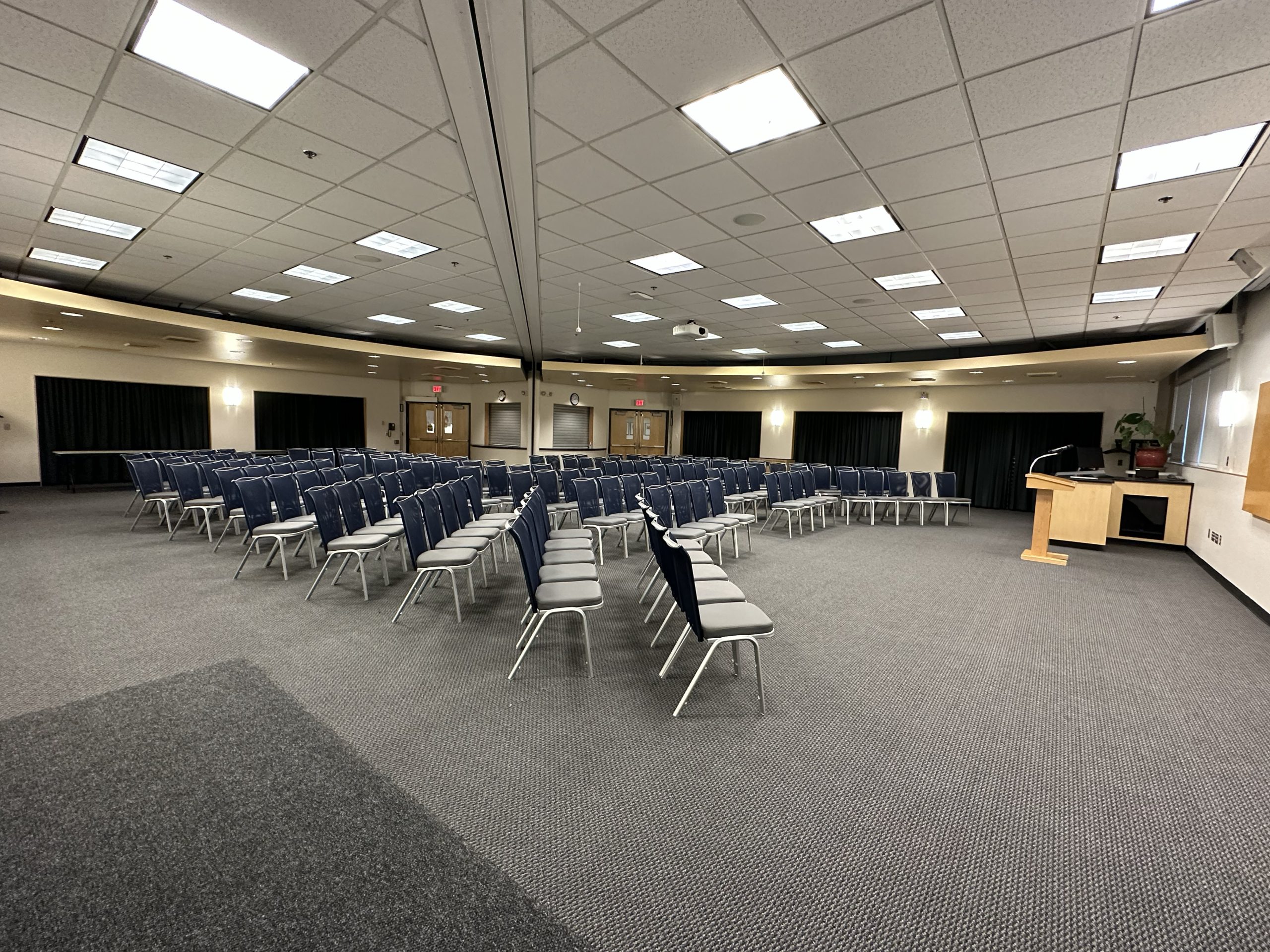
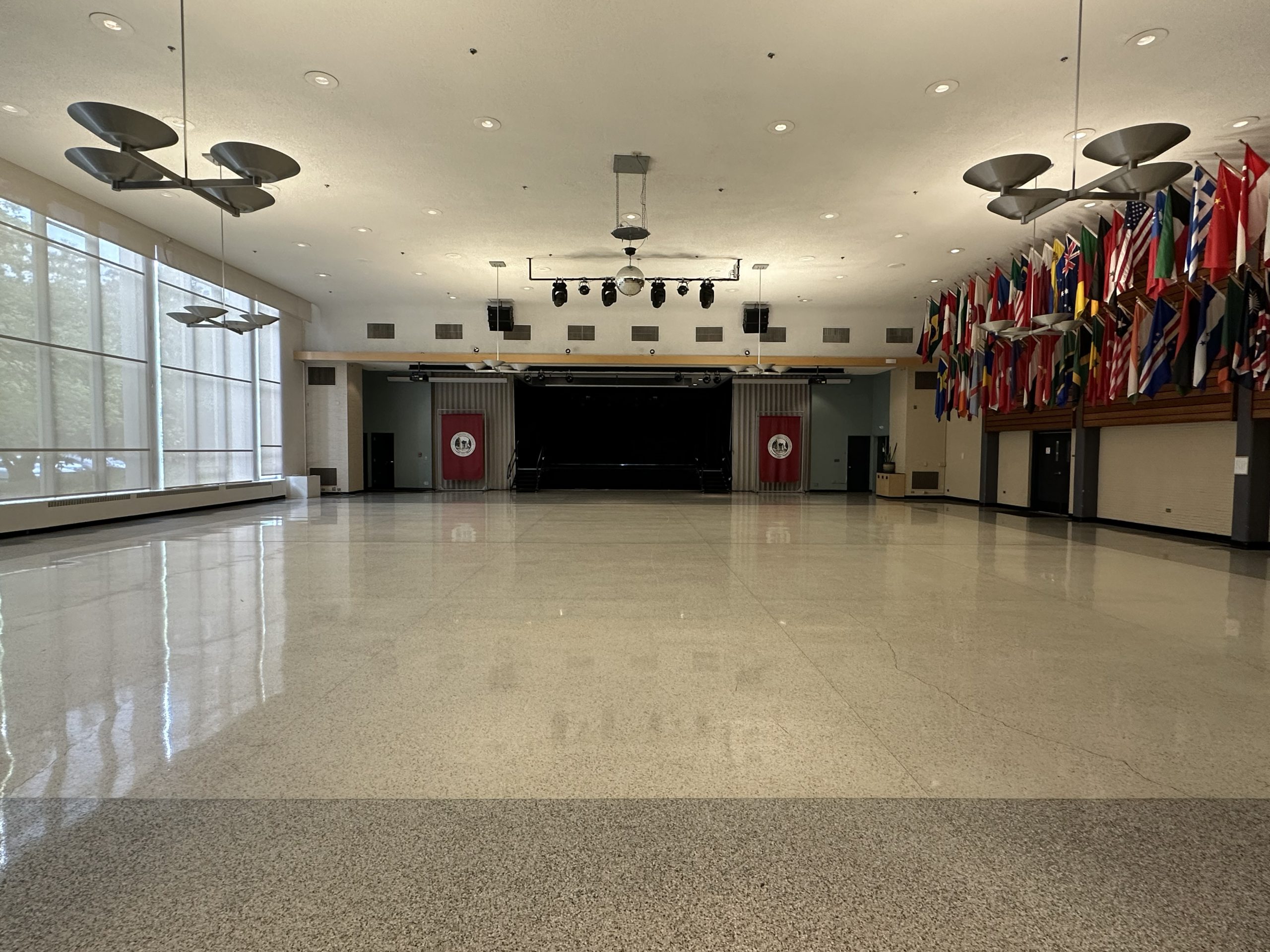
Please be sure to check out the room rental rates and standard room setups and setup costs in the WUC.
Requesting a Campus Event on Ad Astra
Please submit an Ad Astra room request by following the steps below:
- On your Portal page, click the “ASTRA” icon, which will take you to the Ad Astra login screen. Use your Portal login username and password to enter the program.
- From the Ad Astra home page, click “here” in “To request an event, please click here”.
- You will be taken to the “Event Request Wizard”, with a drop-down menu where you can select “Hamersly Library Request” for all requests in the library, “Rice Auditorium Request” for all Rice Auditorium requests, or “Campus Event Request” for all other spaces on campus.
- Once you select one of the three options, Ad Astra will take you to the related event request form. Here you will fill out all the required input fields marked with an asterisk.
- When you have finished, click the “Add Meeting” button to select your meeting type and date. If you have multiple meetings, it is faster (but optional) to select the “Recurring” or “Multiple” option rather than entering “Single” meetings one by one.
- Once you have added your meeting(s), click the “Request Rooms” button. Click an available room to request that space and click “Ok” when you’re done (for Willamette room requests, please contact reservations@wou.edu).
- Once you have finished entering your event information, added a meeting, and requested a room, you can click the “Submit” button to submit your form.
Please email reservations@wou.edu if you have any additional questions or have trouble filling out the request form.
WUC Floor Plans
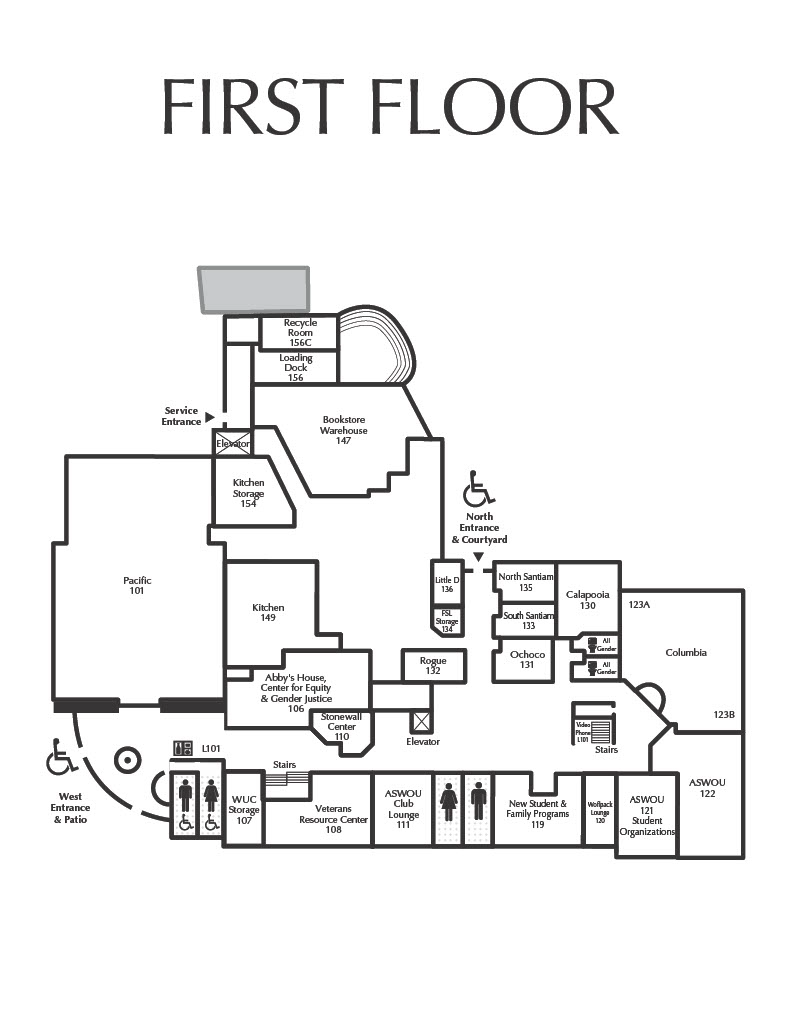
WUC First Floor Map
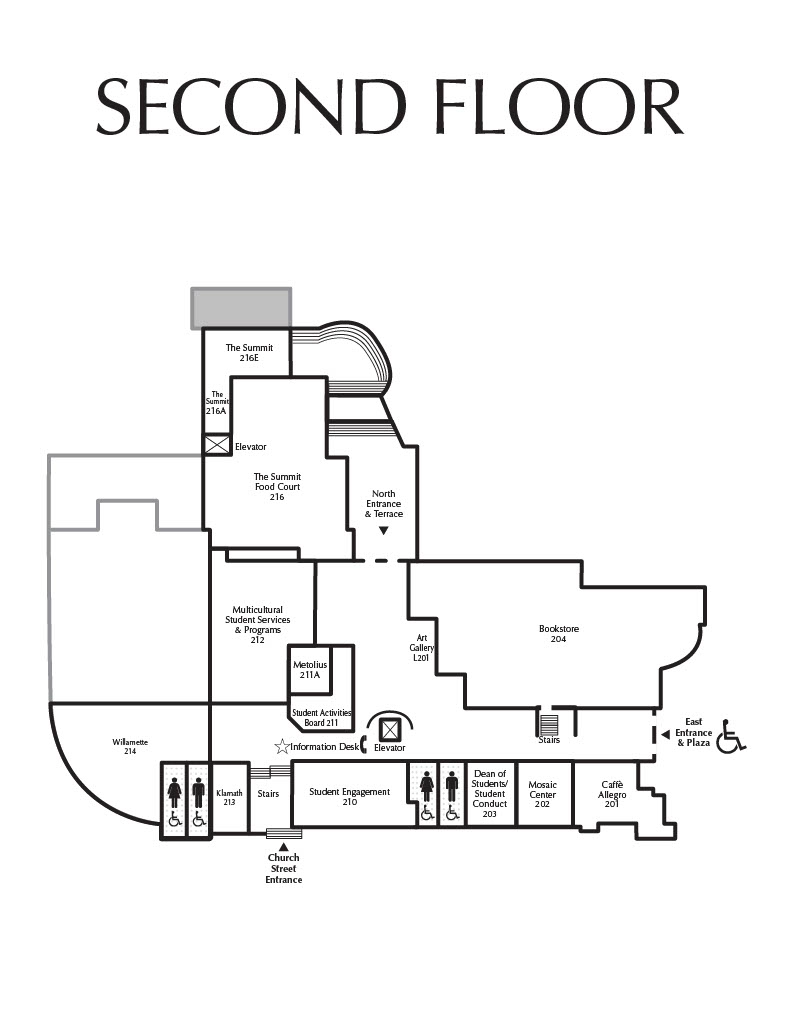
WUC Second Floor Map