
Reservations

To reserve a space on campus for a WOU event that is not an academic class, please review the following sections and then go to Ad Astra from your WOU Portal and submit a campus event request form.

For questions, please reach out to reservations@wou.edu.

Reserving a Space on Campus

Event Planning Toolkit

Refer to the Event Planning Toolkit for student organizations.

Conference and Event Services

If you plan to host a conference on campus, you must first contact our Conference and Event Services (CES) office to learn more about the necessary policies and processes.

Additional Costs

Please be sure to check out the room rental rates and standard room setups and setup costs in the WUC.

Starting September 29th, 2025, these are the new room and audio visual equipment rates.

Requesting a Campus Event on Ad Astra

Please submit an Ad Astra room request by following the steps below:

  1. On your Portal page, click the “ASTRA” icon, which will take you to the Ad Astra login screen. Use your Portal login username and password to enter the program.
  2. From the Ad Astra home page, click “here” in “To request an event, please click here”.
  3. You will be taken to the “Event Request Wizard”, with a drop-down menu where you can select “Hamersly Library Request” for all requests in the library, “Rice Auditorium Request” for all Rice Auditorium requests, or “Campus Event Request” for all other spaces on campus.
  4. Once you select one of the three options, Ad Astra will take you to the related event request form. Here you will fill out all the required input fields marked with an asterisk.
  5. When you have finished, click the “Add Meeting” button to select your meeting type and date. If you have multiple meetings, it is faster (but optional) to select the “Recurring” or “Multiple” option rather than entering “Single” meetings one by one.
  6. Once you have added your meeting(s), click the “Request Rooms” button. Click an available room to request that space and click “Ok” when you’re done (for Willamette room requests, please contact reservations@wou.edu).
  7. Once you have finished entering your event information, added a meeting, and requested a room, you can click the “Submit” button to submit your form.

Please email reservations@wou.edu if you have any additional questions or have trouble filling out the request form.
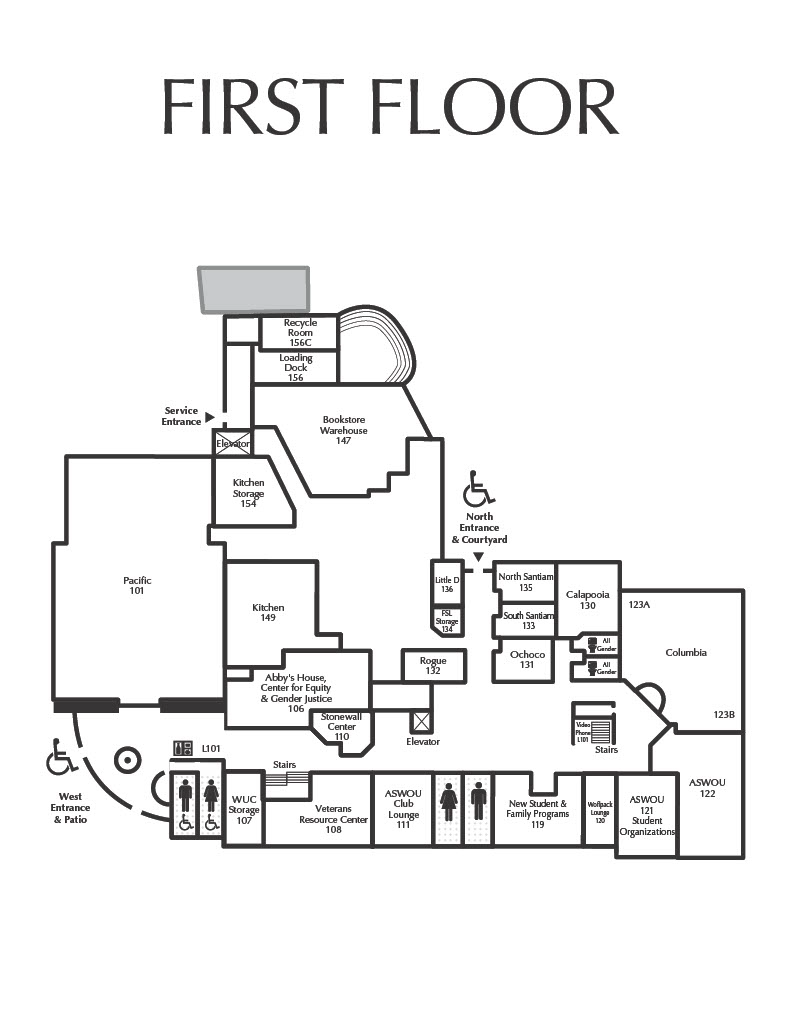
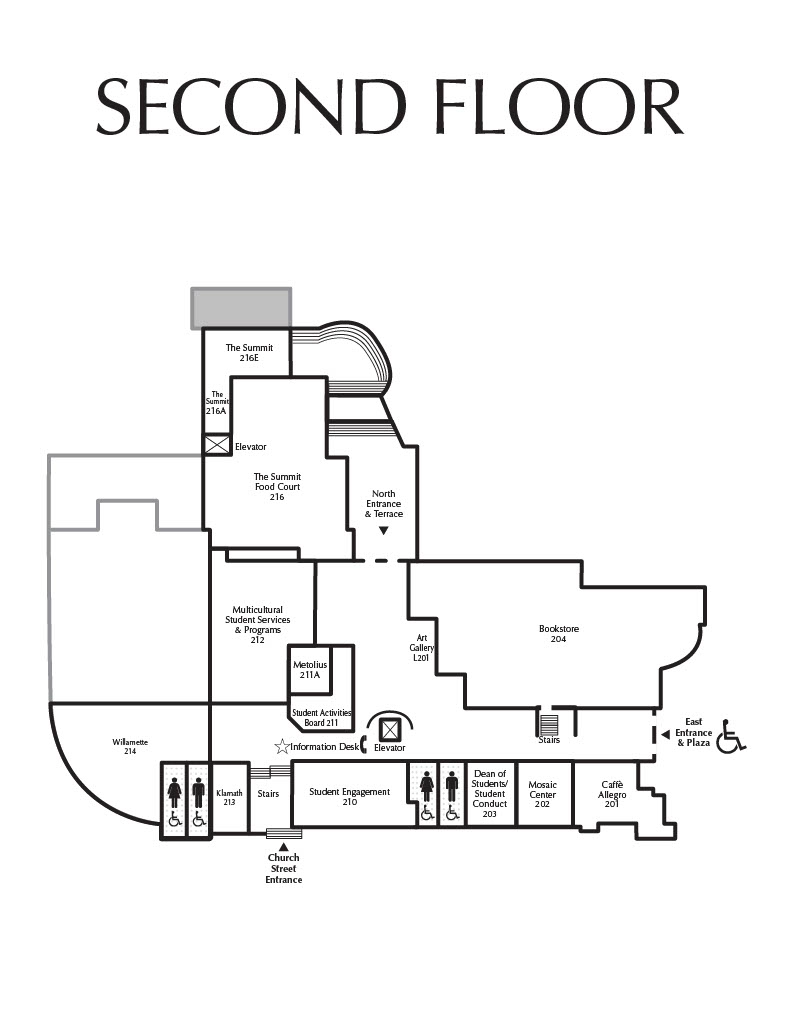
Room Configurations & Capacities

Werner University Center 1st floor layout

WUC First Floor Map

Werner University Center 2nd floor layout

WUC Second Floor Map

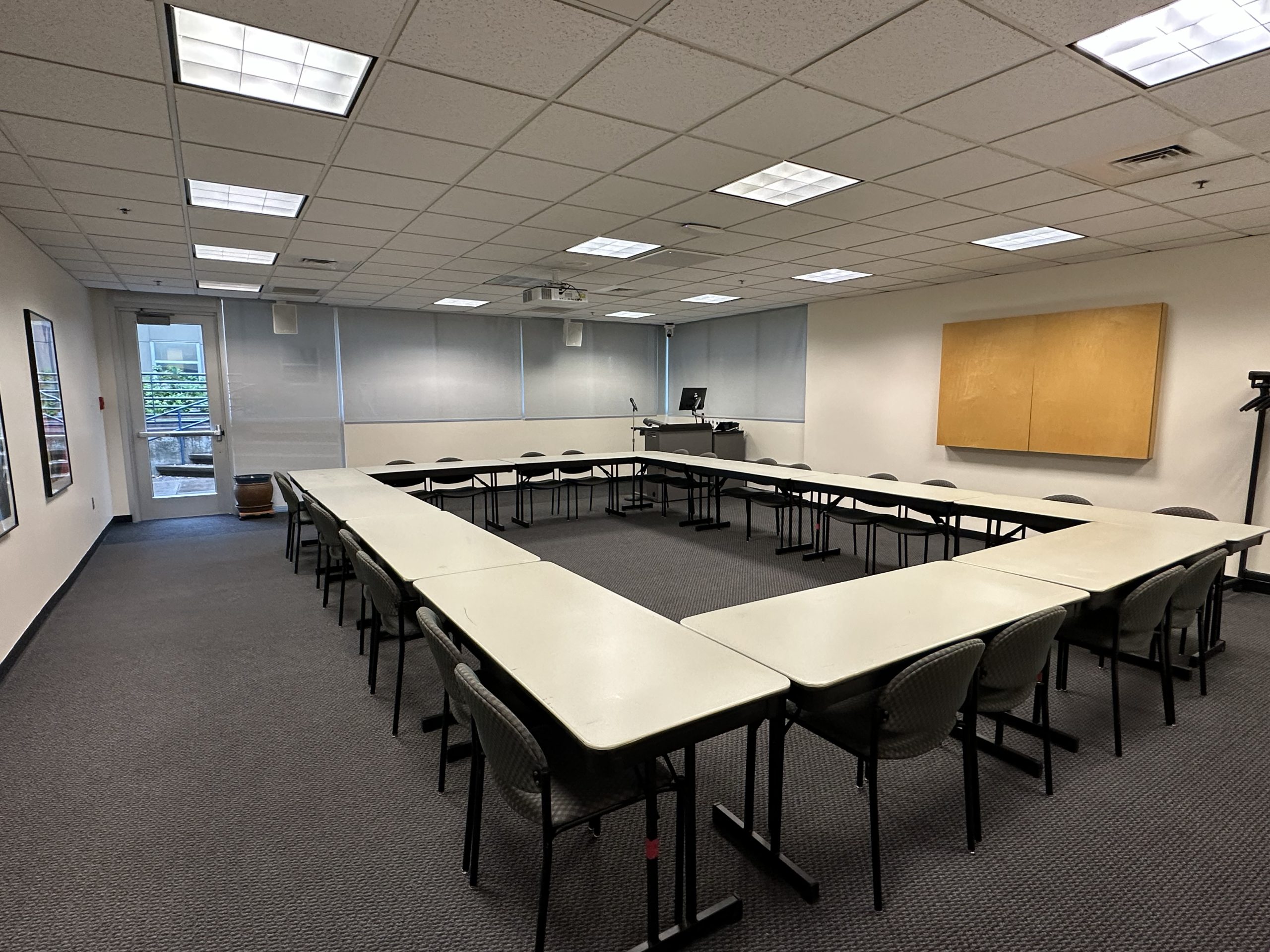
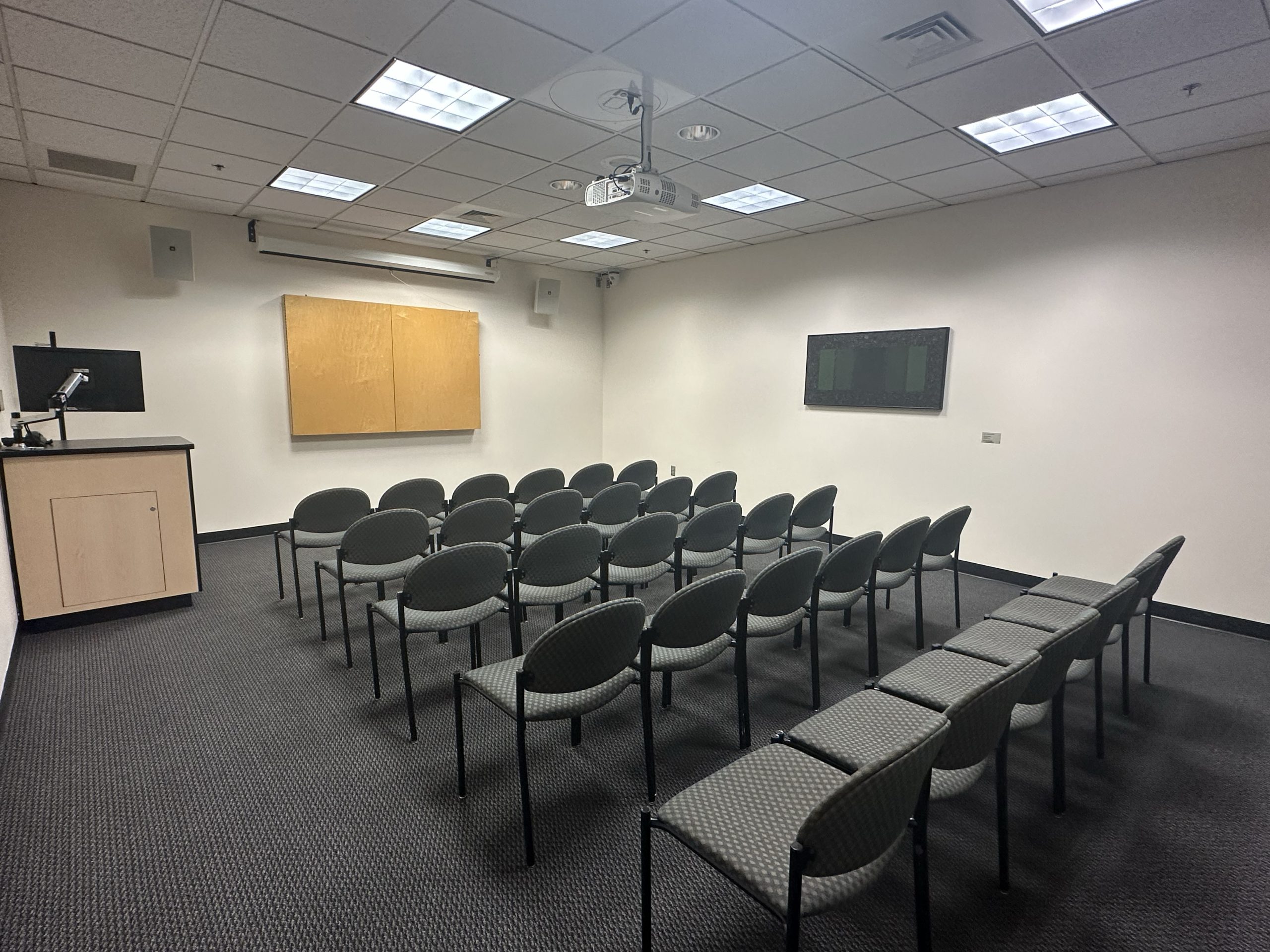
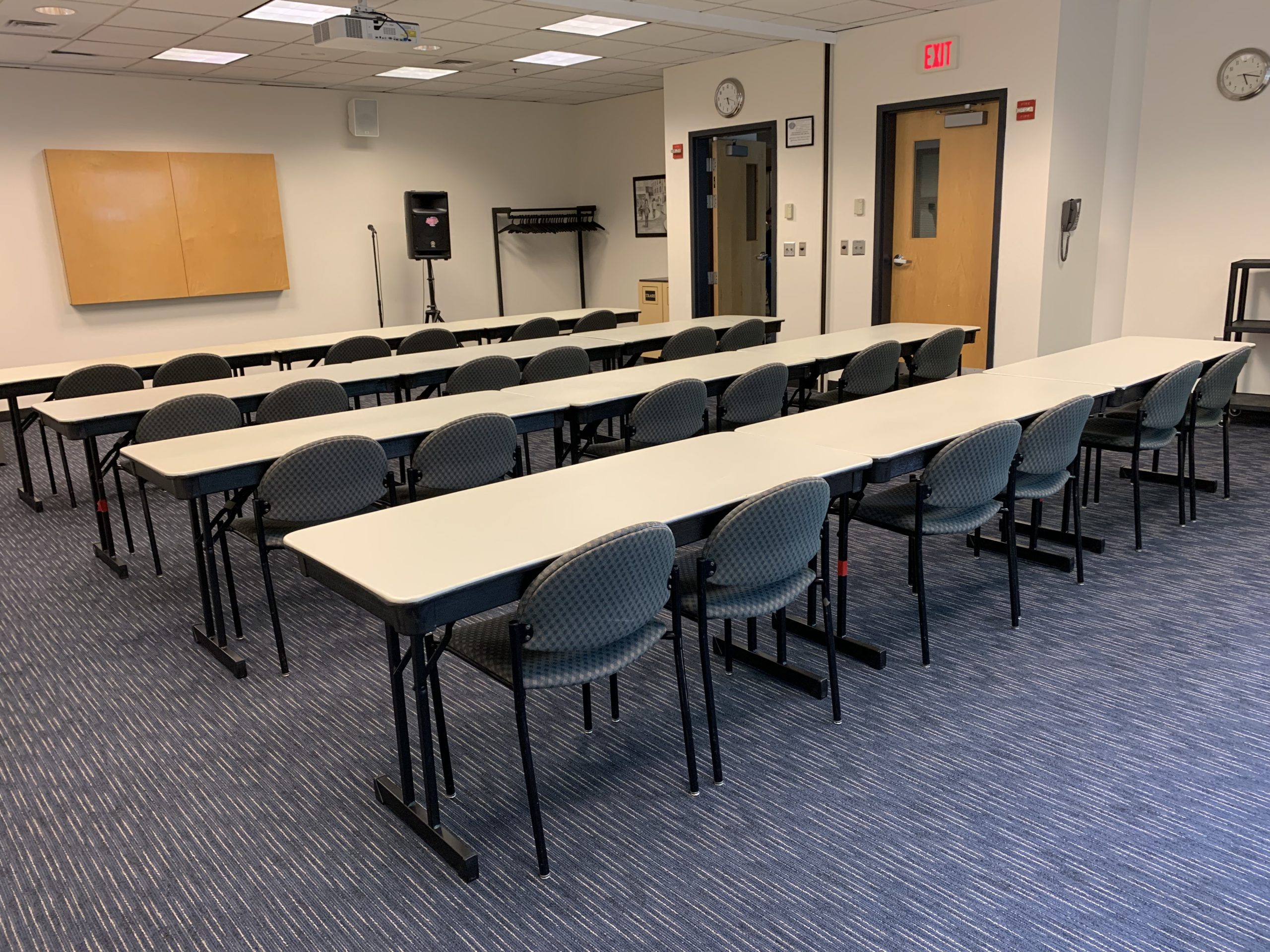
Calapooia Room

Photo displays the standard room setup.

Calapooia Room

First Floor, WUC

Zoom capable conference room with camera at the back of the room and ceiling mics to pick up discussion within the room. This space also includes 2 microphones, one wireless and one lapel.

Configurations & Capacities

Banquet (capacity: 32) | Classroom (capacity: 24) | Hollow Square (capacity 24) | Theater/Lecture (capacity 49)


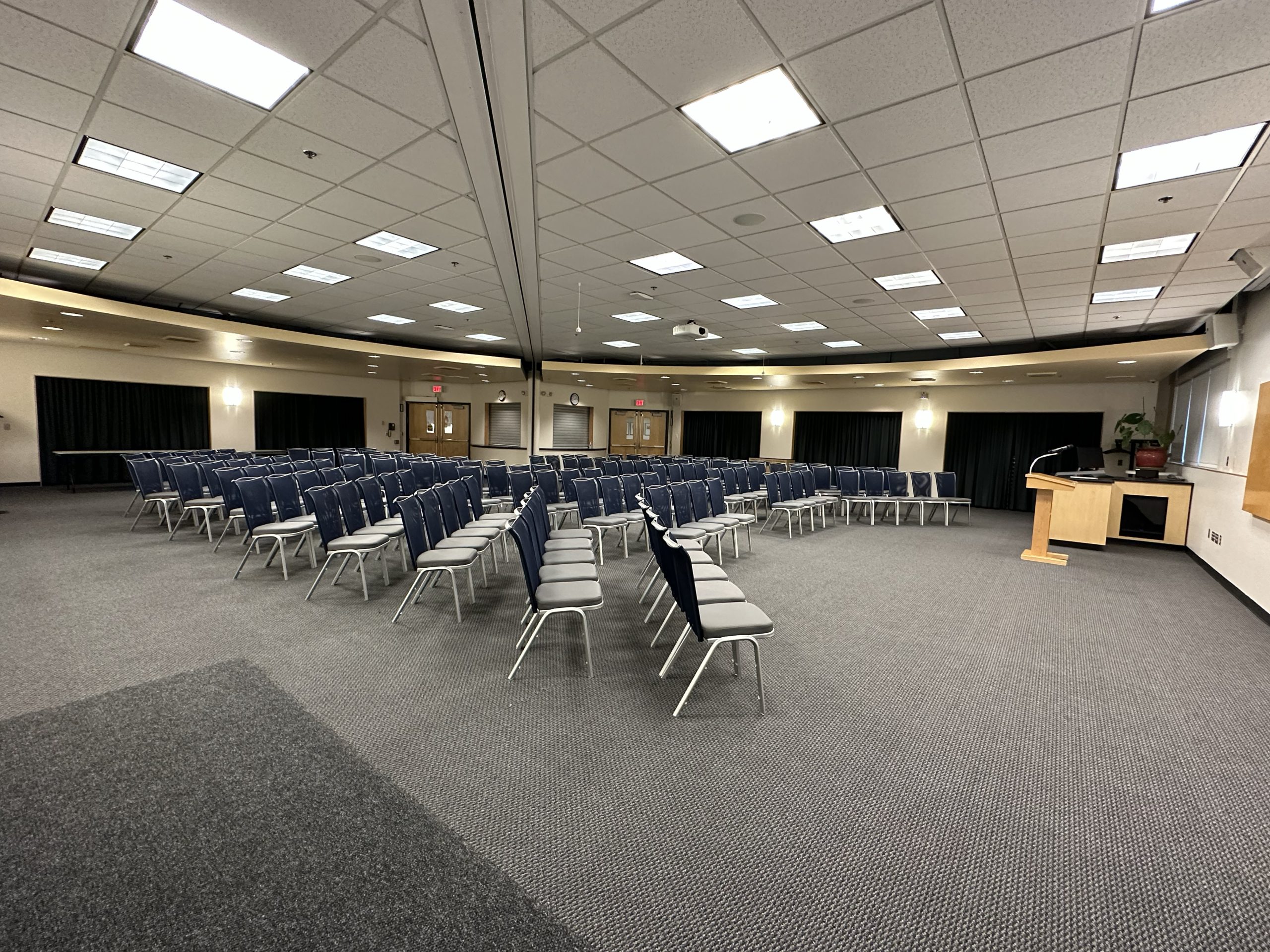
Columbia Room

Photo displays the standard room setup.

Columbia Room

First Floor, WUC

This room can be split into two conference rooms. Video conferencing is available in this space, with ceiling mics. The room has a sound board with 12 channels. The standard setup comes with up to two wireless microphones. An AV tech is required for any additional sound requests.

Configurations & Capacities

Banquet (capacity 120) | Classroom (capacity: 60) | Hollow Square (capacity: 40) | Theater/Lecture (capacity: 100)

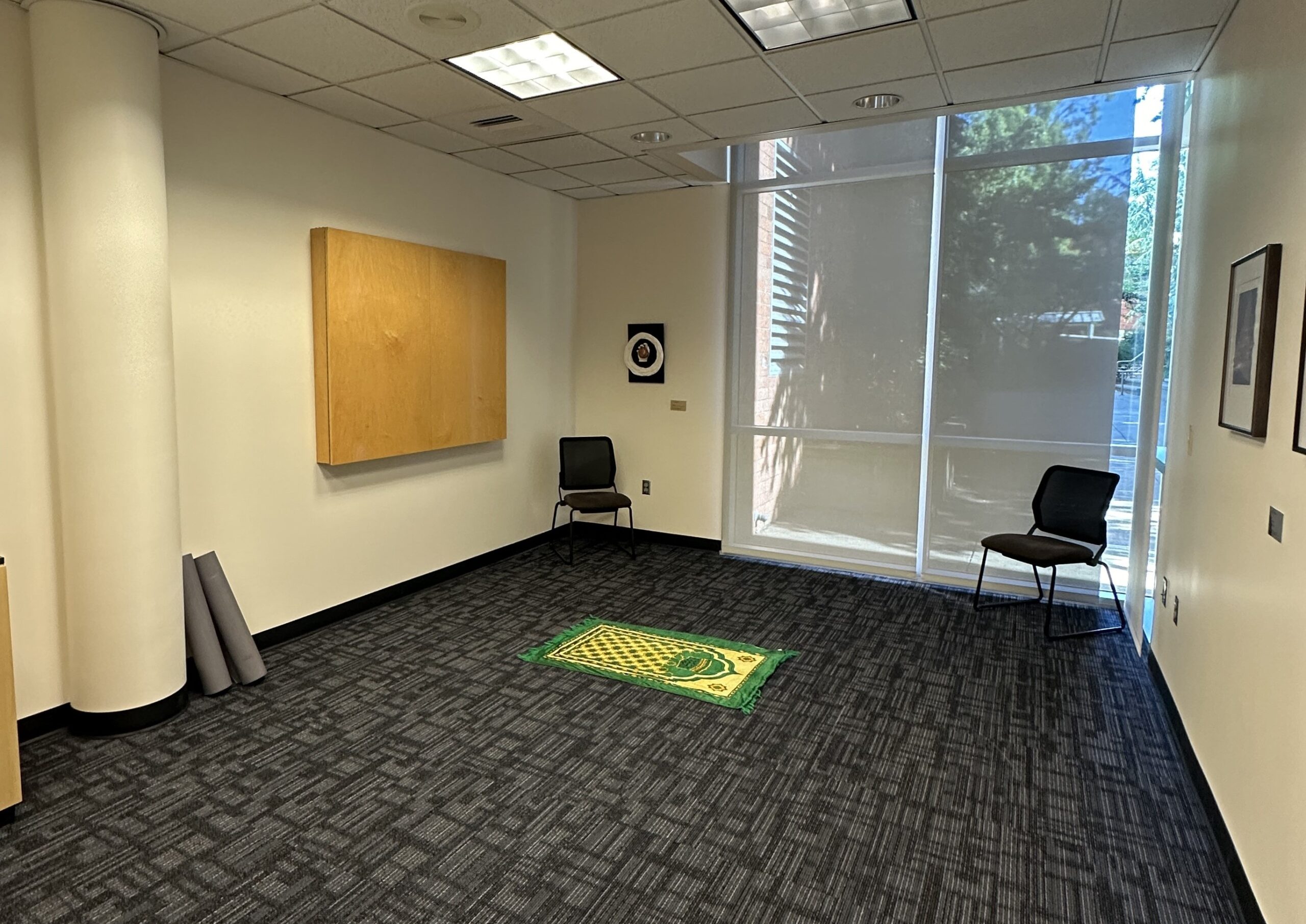
Little D Room

Photo displays the furniture in the room.

Little D Room

First Floor, WUC

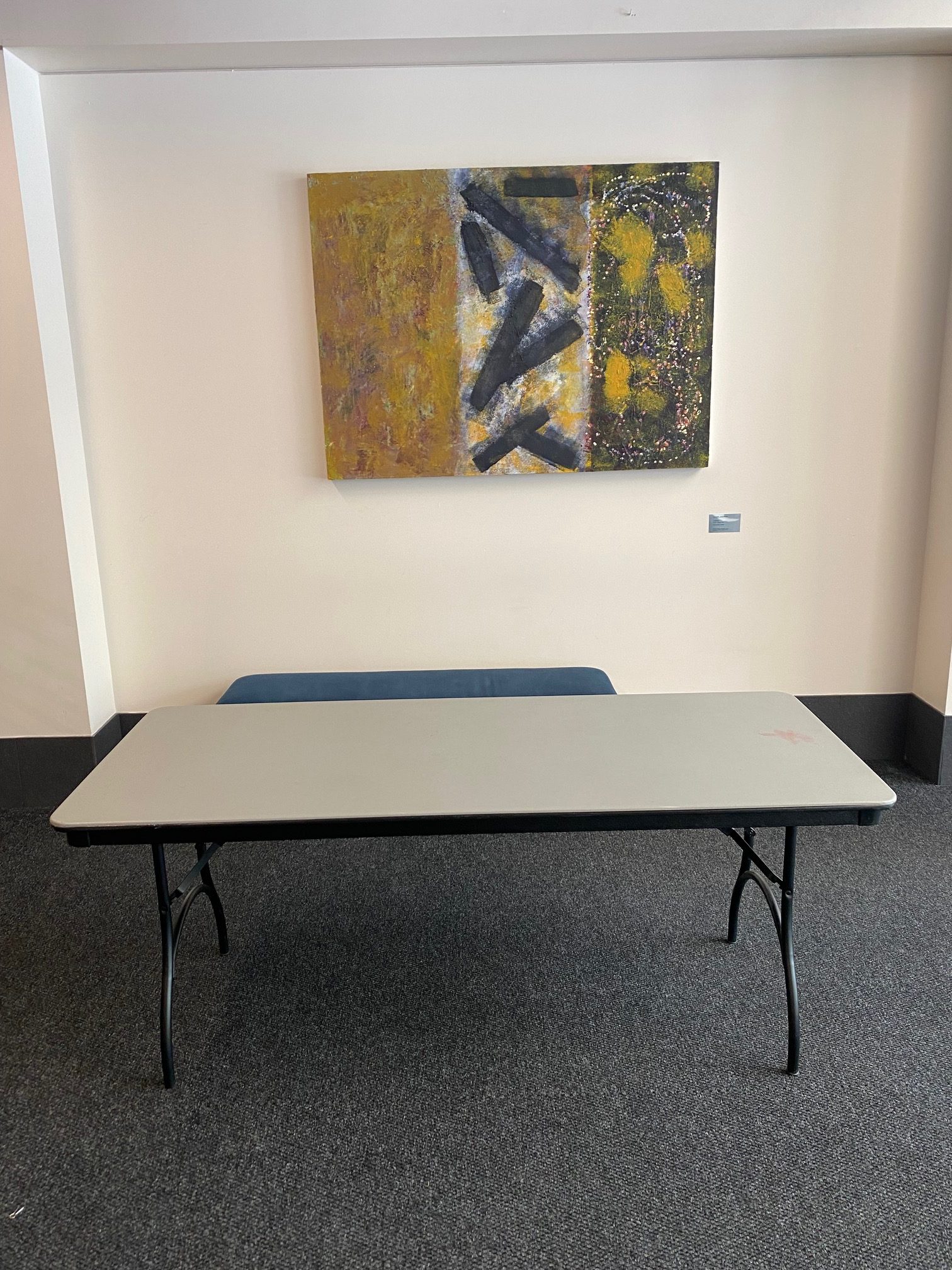
This space is now set up as a Wellness / Meditation room. You can access this room without a reservation as it remains unlocked during business hours. This space is first come first served.

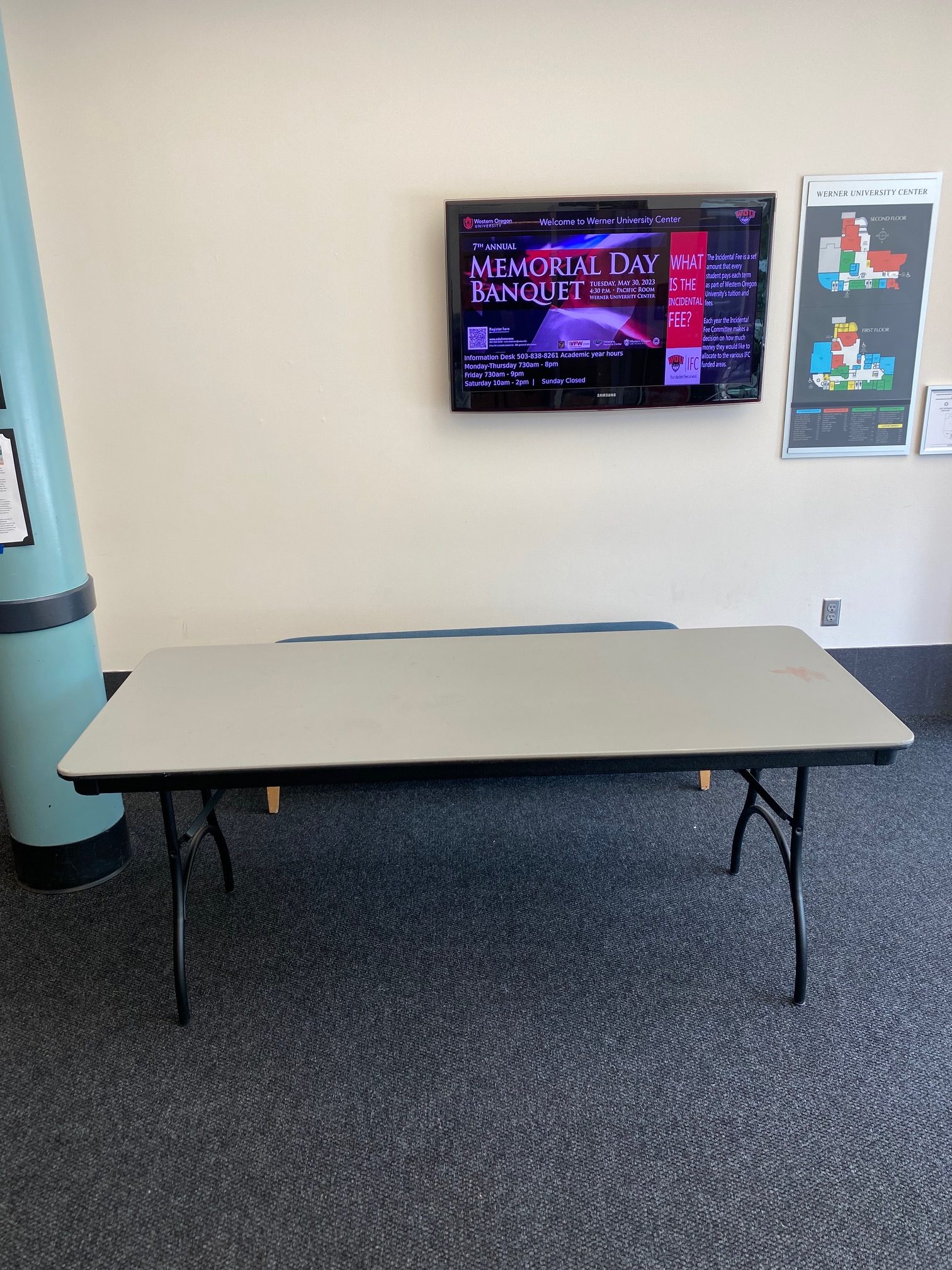
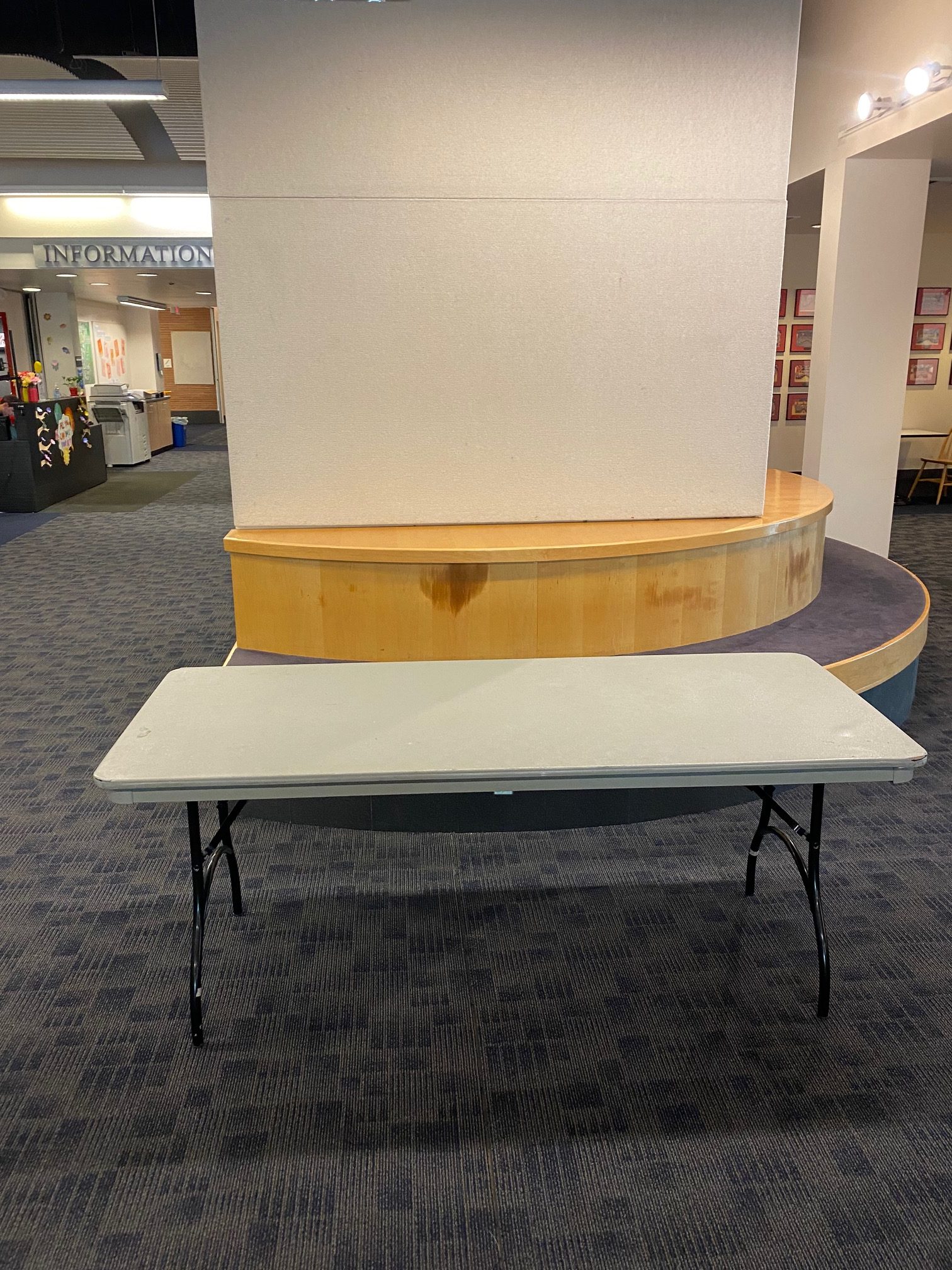
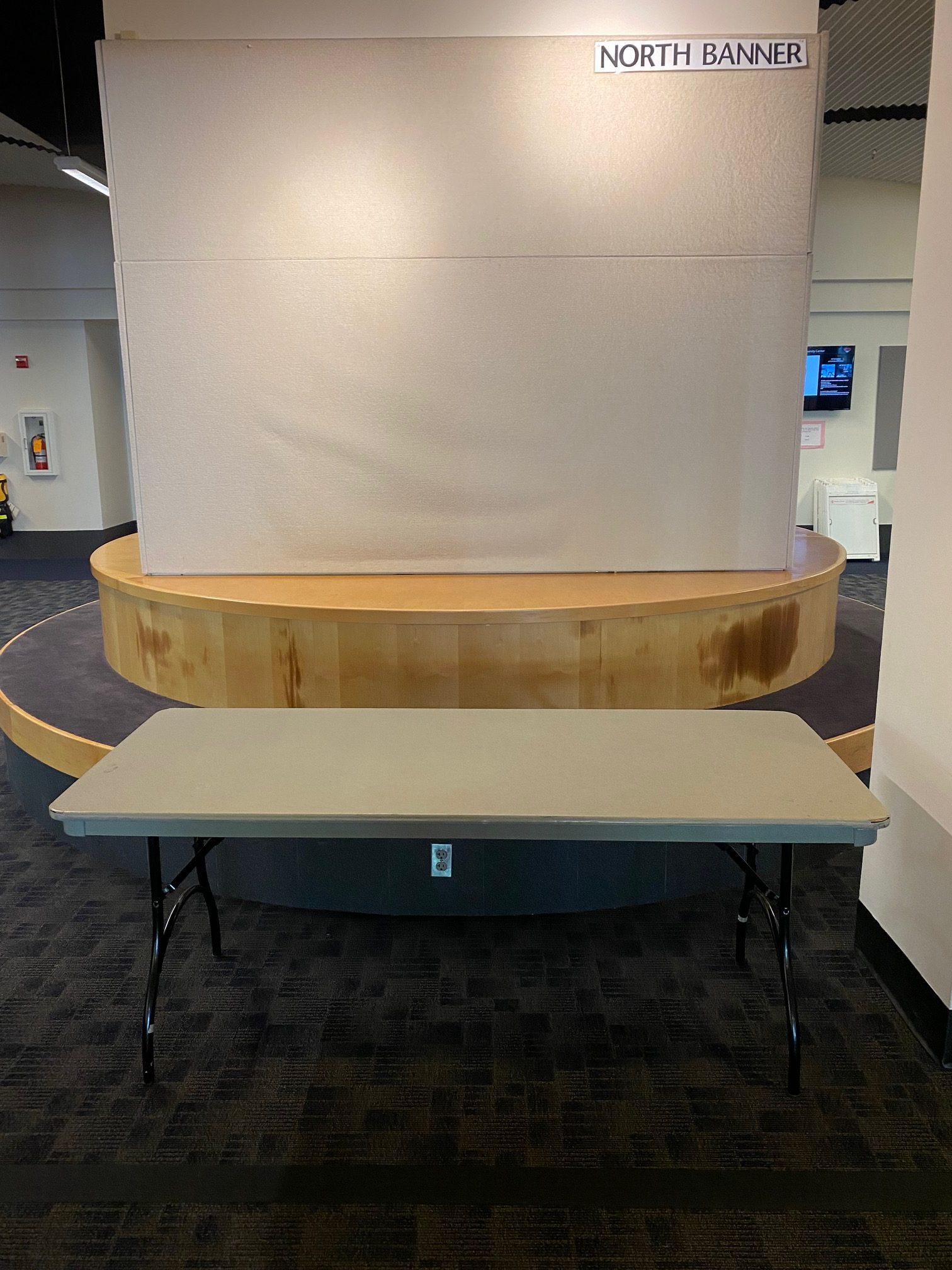
Photo displays a standard tabling setup.

Lobby and Tabling Spaces

Second Floor, WUC

Our tabling spaces come with a six foot table and seating for two. If you’d like additional seating, an easel, extension cord or anything else, please request with your reservation.

Metolius Room

Photo displays the room setup. The setup for this space cannot be changed.

Metolius Room

Second Floor, WUC

This conference room is zoom capable with the camera placement at the top of the monitor screen.

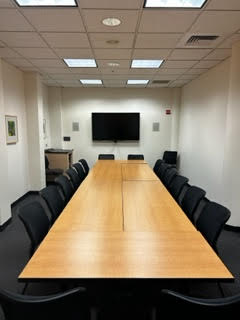
Ochoco Room

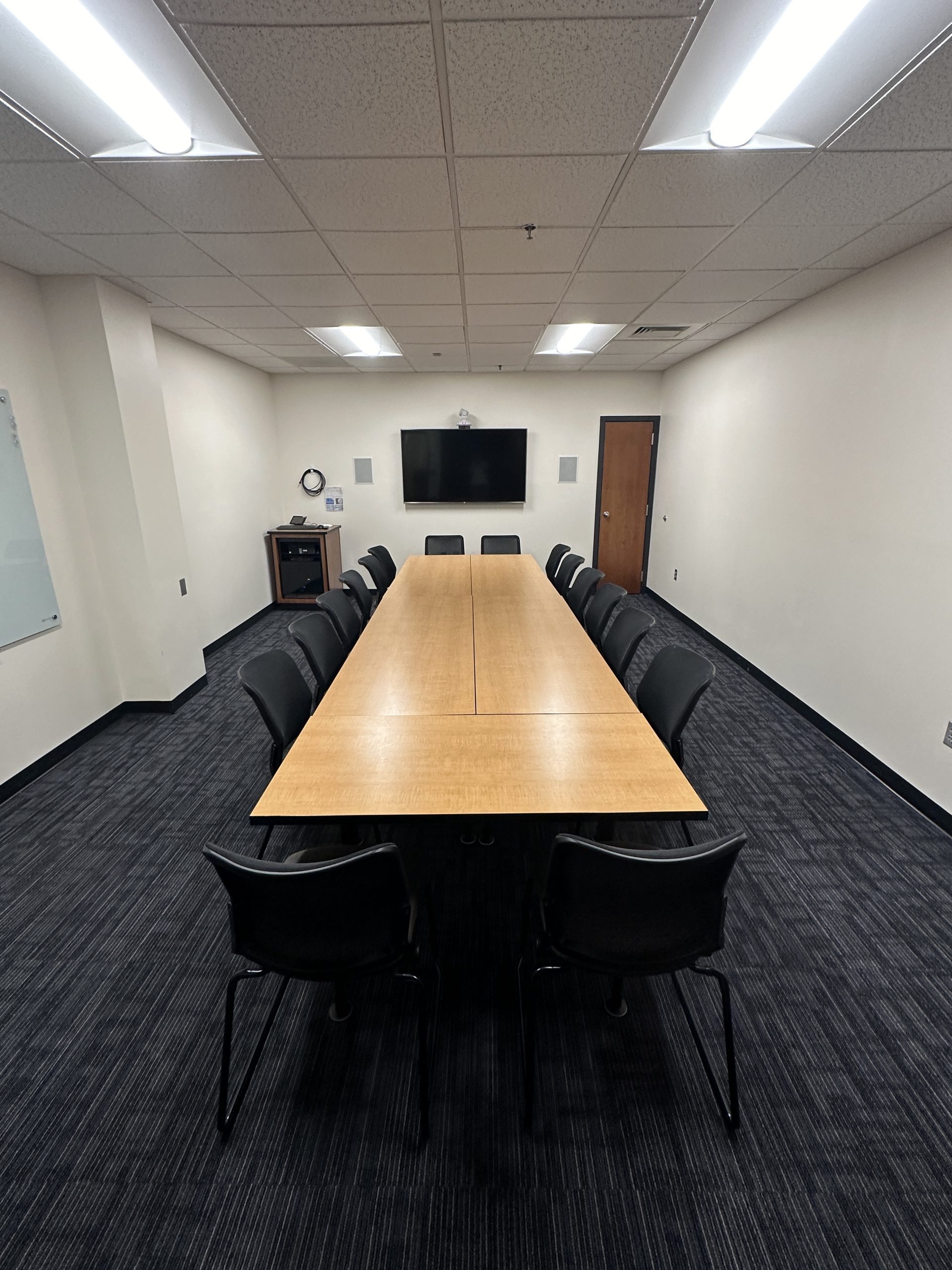
Photo displays the standard room setup.

Ochoco Room

First Floor, WUC

Smaller conference room. A microphone can be added to this space upon request.

Configurations & Capacities

Banquet (capacity: 18) | Classroom (capacity: 12) | Hollow Square (capacity: 20) | Theater/Lecture (capacity: 30)

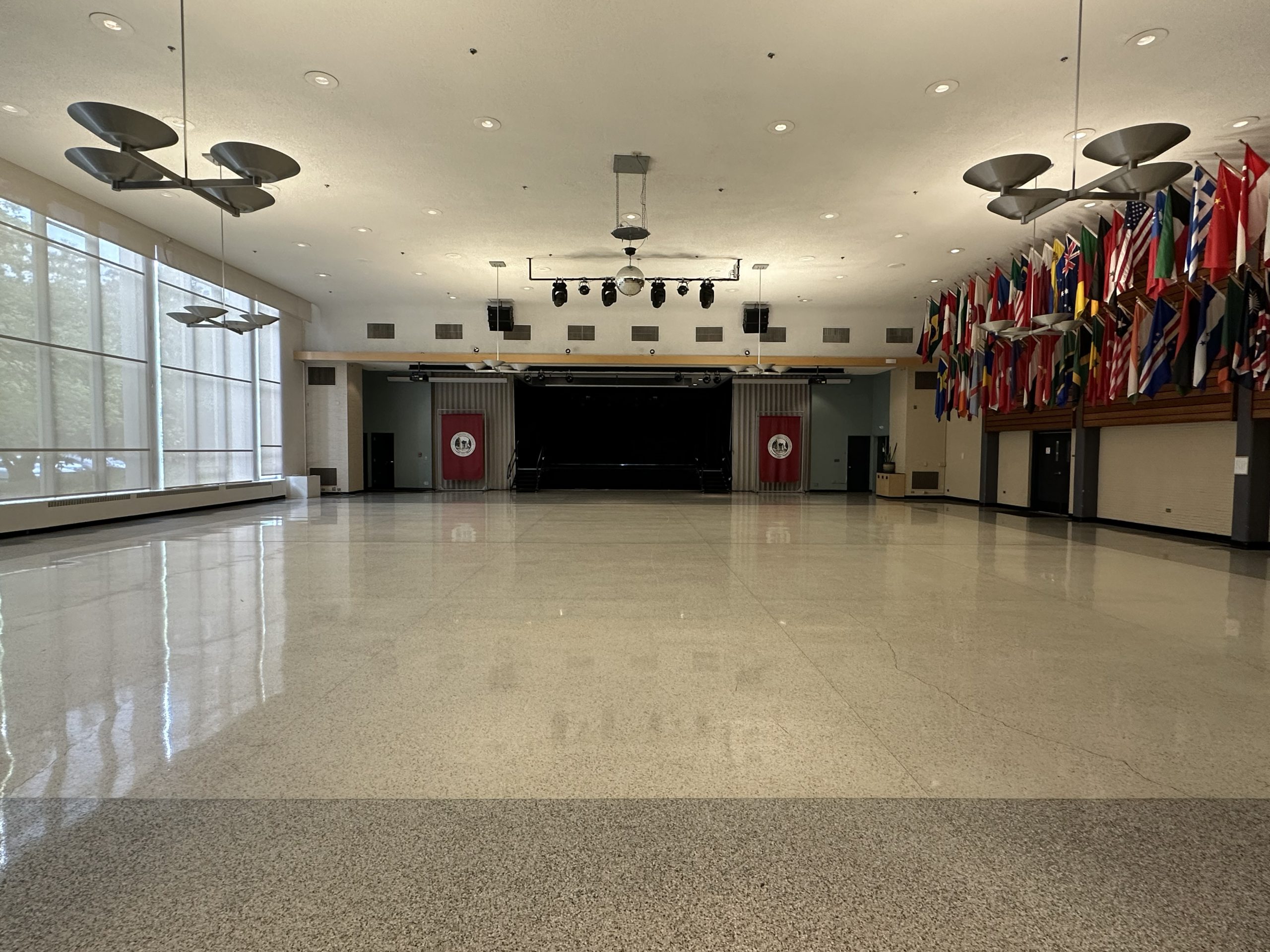
Pacific Room

Photo displays the standard room setup.

Pacific Room

First Floor, WUC

Dual screen ceiling projectors operable from the front or back of the room, There is also a center screen with portable projector. This room also features a disco ball, stage lighting (on stage or in front of the stage). This space requires an AV tech for all events that include sound, lighting or projection. An exception is made if you only need 1-2 microphones and will not need to adjust the volume.

Configurations & Capacities

Banquet (capacity: 288) | Classroom (capacity: 162) | Dance | Lecture (capacity: 565) | Vendors (capacity: 43 6-foot tables)

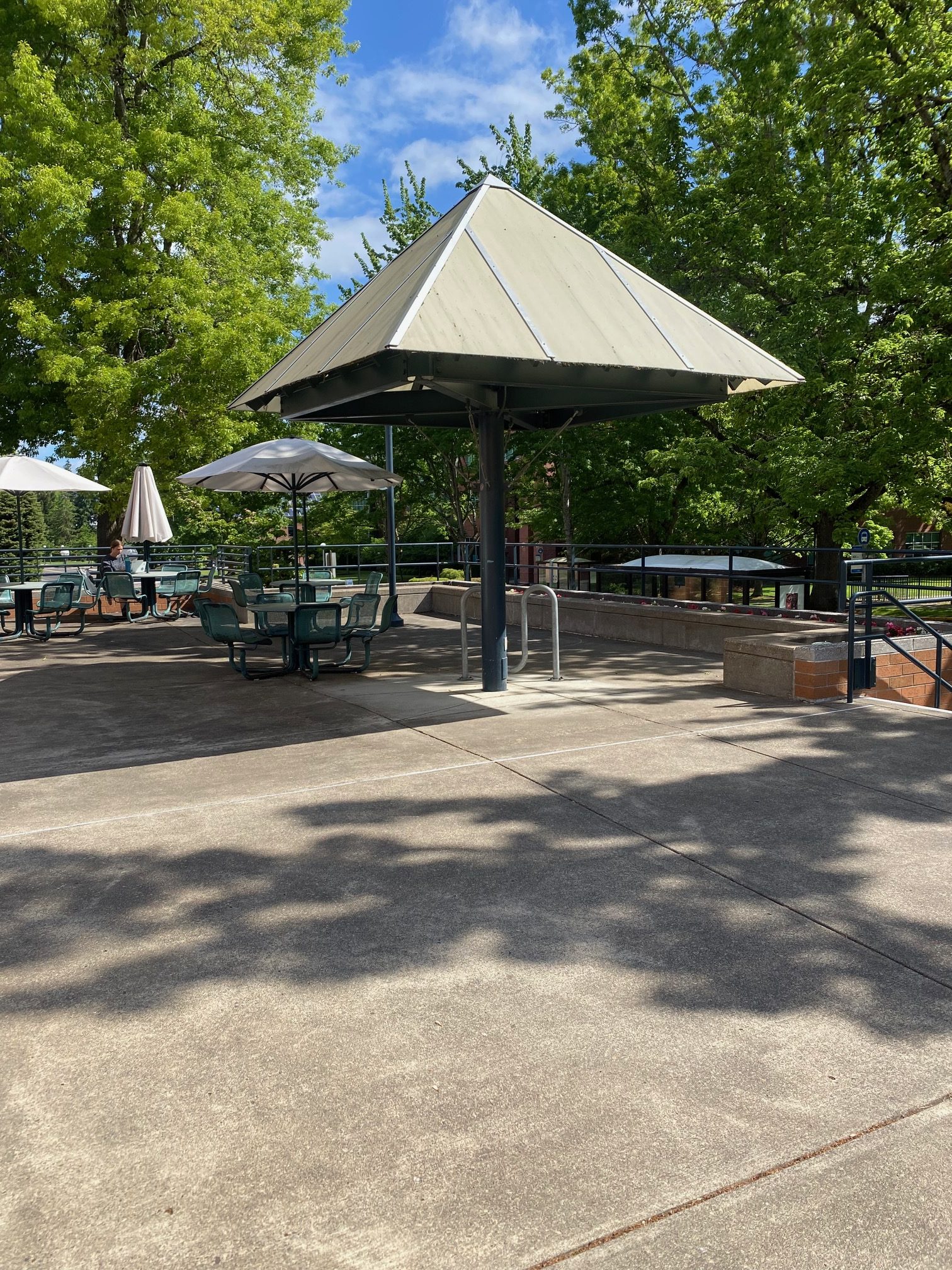
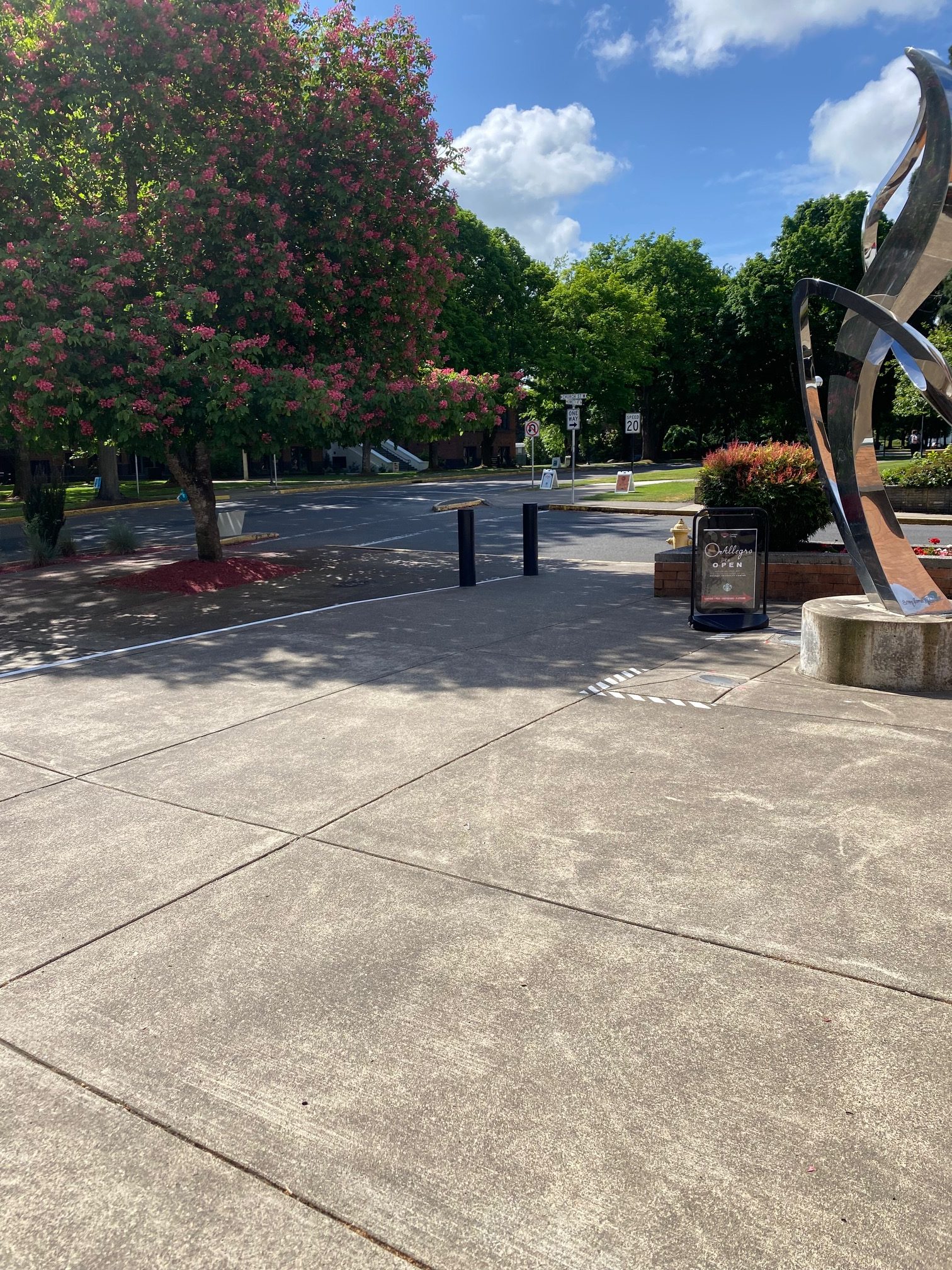
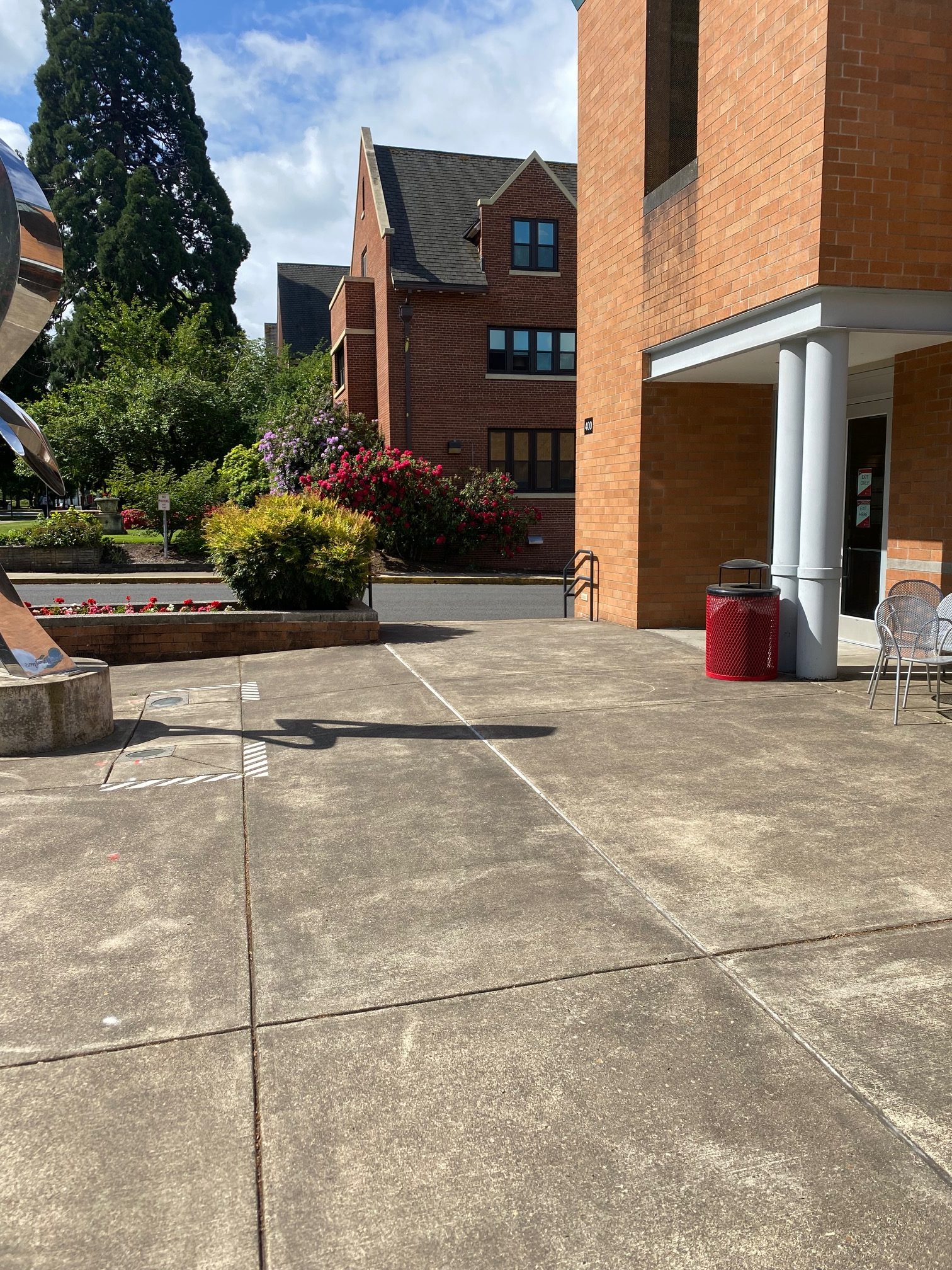
Photo displays the plaza.

Plaza Spaces

Outside Second Floor, WUC

A standard setup on the plaza will include a popup tent, six foot table, and two chairs. Other resources available upon request would be a portable speaker, microphone, extension cords, trash cans, etc.

Rogue Room

Photo displays the room setup. The setup for this space cannot be changed.

Rogue Room

First Floor, WUC

This room is zoom capable with camera placement at the bottom of the monitor screen.

Santiam Room

Photo displays the standard room setup.

Santiam Room

First Floor, WUC

The Santiam room can be split into two small conference rooms. This space comes with a built in sound system, projector and a wireless microphone.

Configurations & Capacities

Banquet (capacity: 35) | Classroom (capacity: 35) | Lecture (capacity: 50) | U-Shape (capacity: 25)

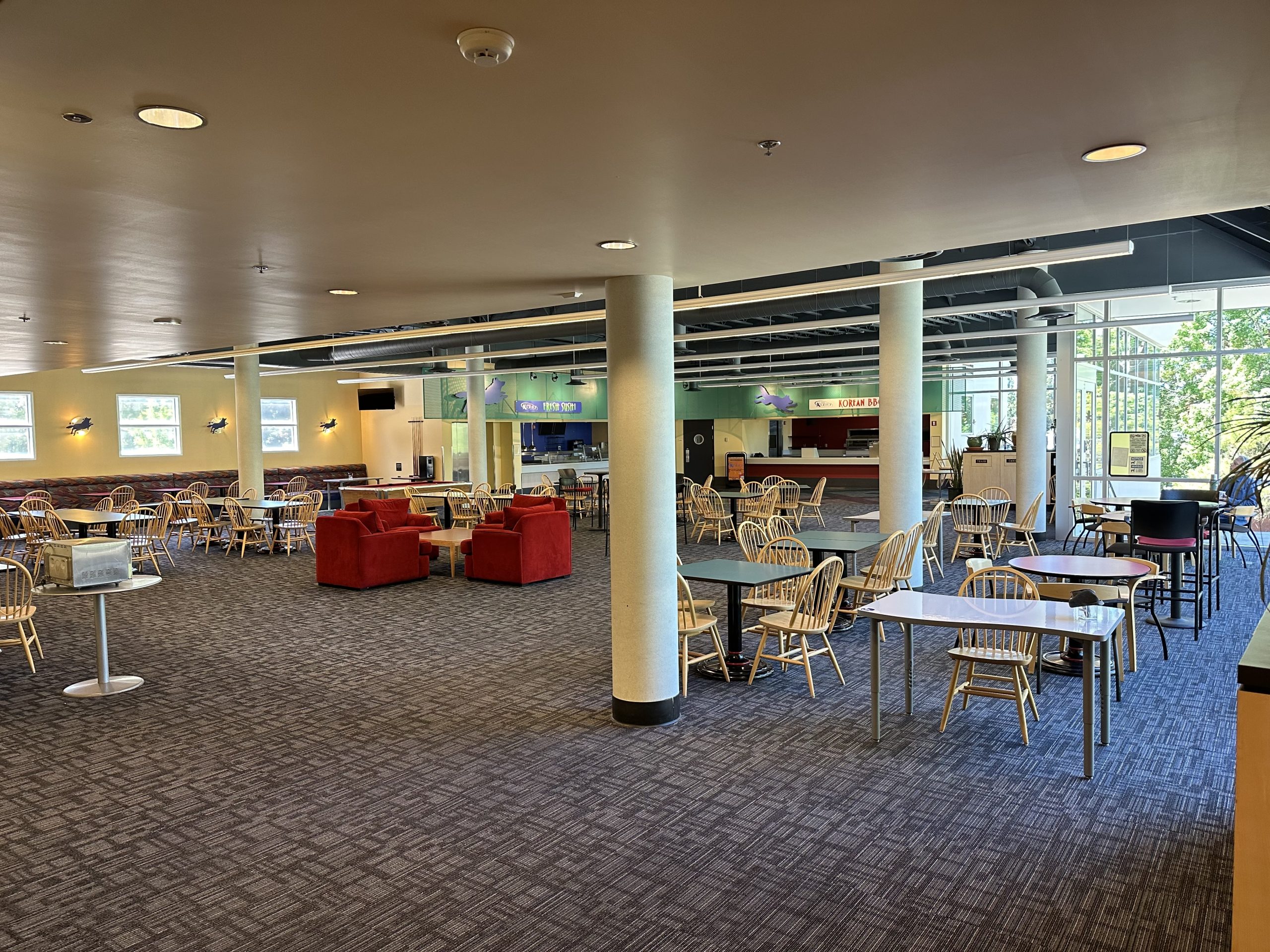
Summit Room

Photo displays the standard room setup.

Summit Room

Second Floor, WUC

This space is an open lounge space. A portable, multi-channel, sound board is available for this space. The furniture in this space is adjustable, with the exception of the pool table. Please note that there are no doors to close this space off.

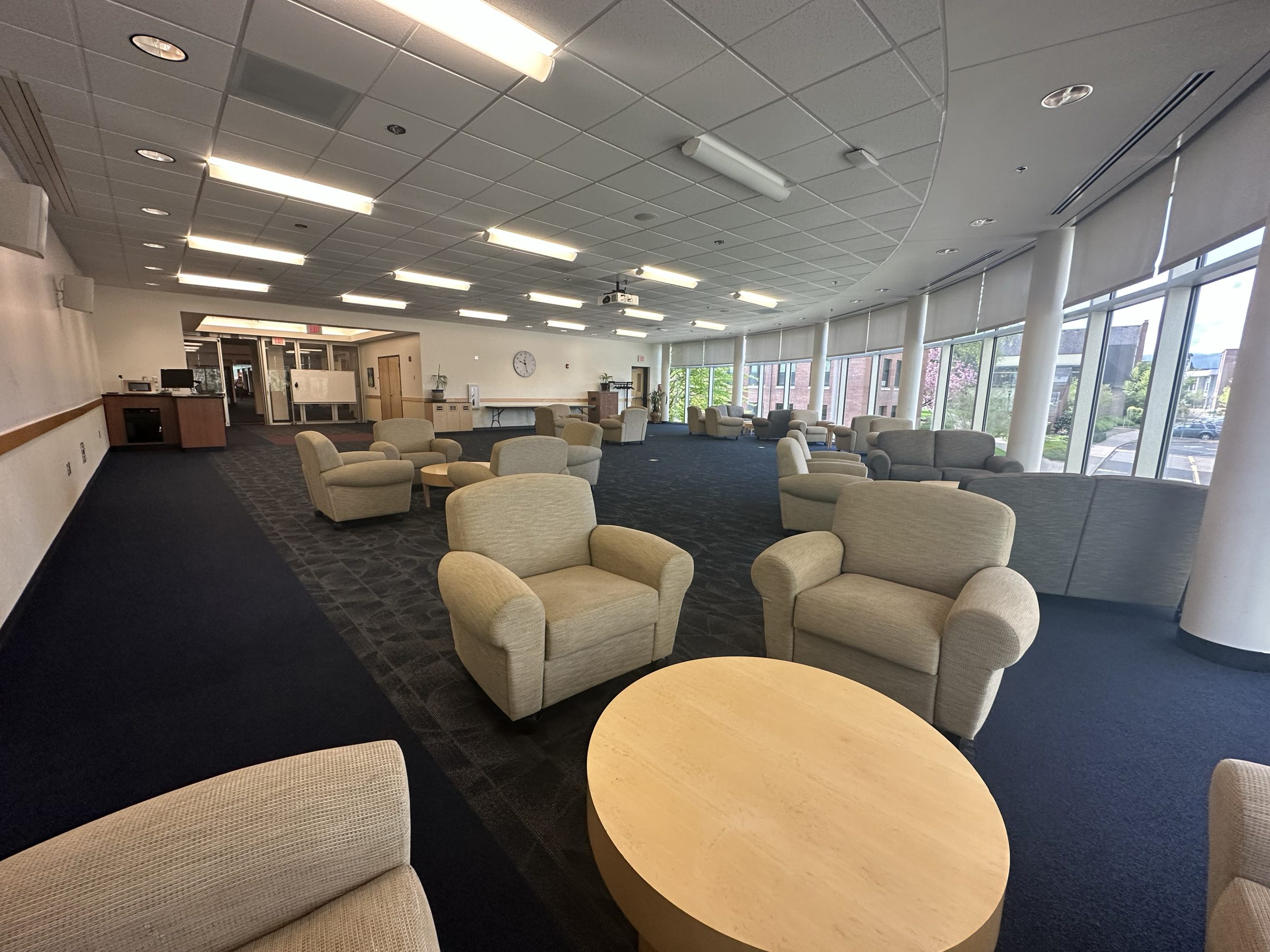
Willamette Room

Photo displays the standard room setup.

Willamette Room

Second Floor, WUC

Willamette room is meant to be used for student clubs and organization events and is limited to reservations focusing on student activities. With a multi-channel soundboard, projector, sound system, tall windows overlooking the Grove, along with cozy furniture, this room is the ideal space for a fun club event.

Configurations & Capacities

Banquet (capacity: 75) | Classroom (capacity: 60) | Hollow Square (capacity: 42) | Lecture (capacity: 82) | Theater (capacity: 28 soft chairs)

Meet the Reservations Staff

 Edward Webb

Edward “Ed” Webb

Facilities Scheduling Manager (He/Him)
webbew@wou.edu | 503-838-9689

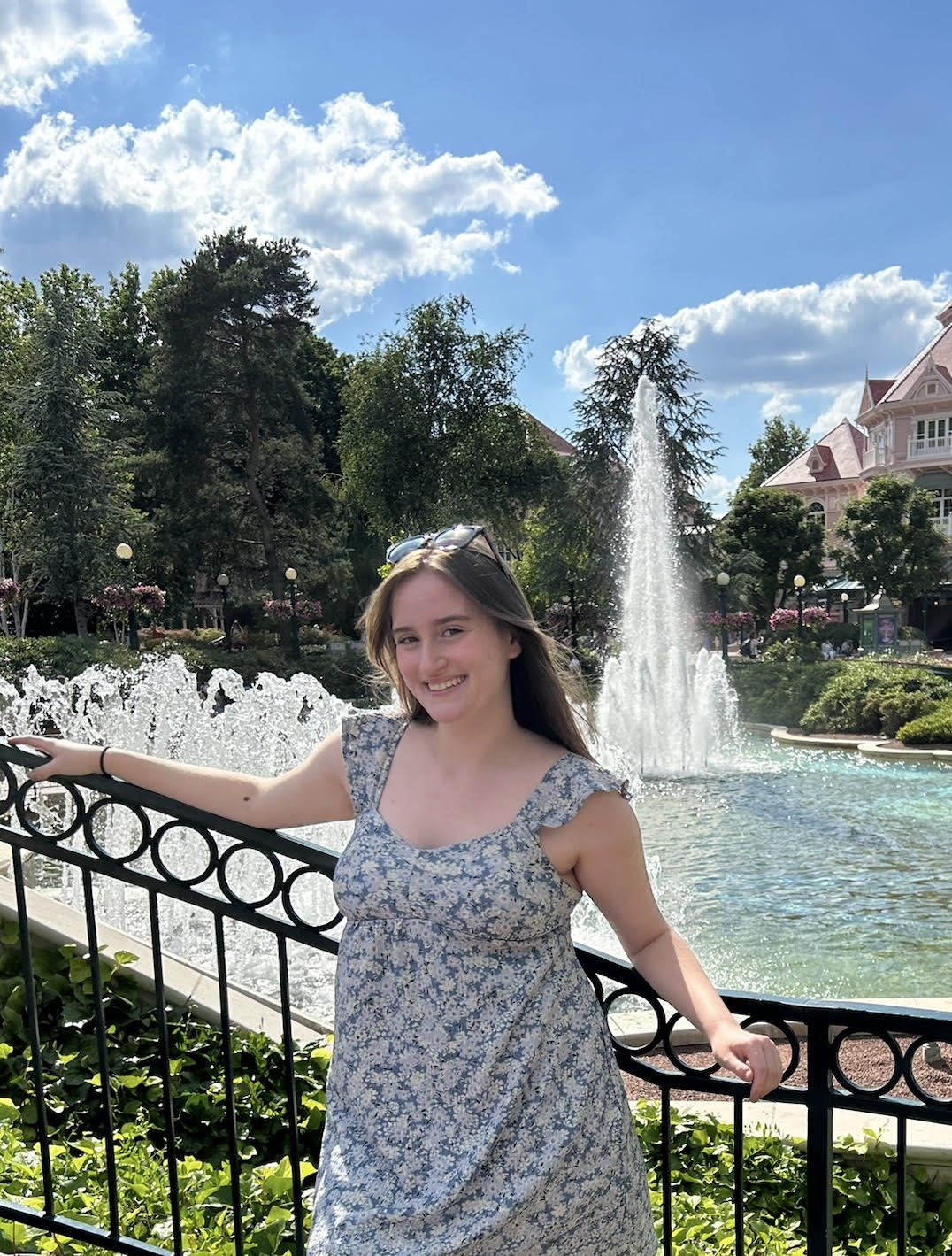
Clara Mellinger

Clara Mellinger

Facilities Scheduling Assistant
My name is Clara and I am a first year here at WOU. I am an English major with hopes to be a writer, and I am working as a Facilities Scheduling Assistant. I love the community at WOU and can’t wait to spend the next few years here. 

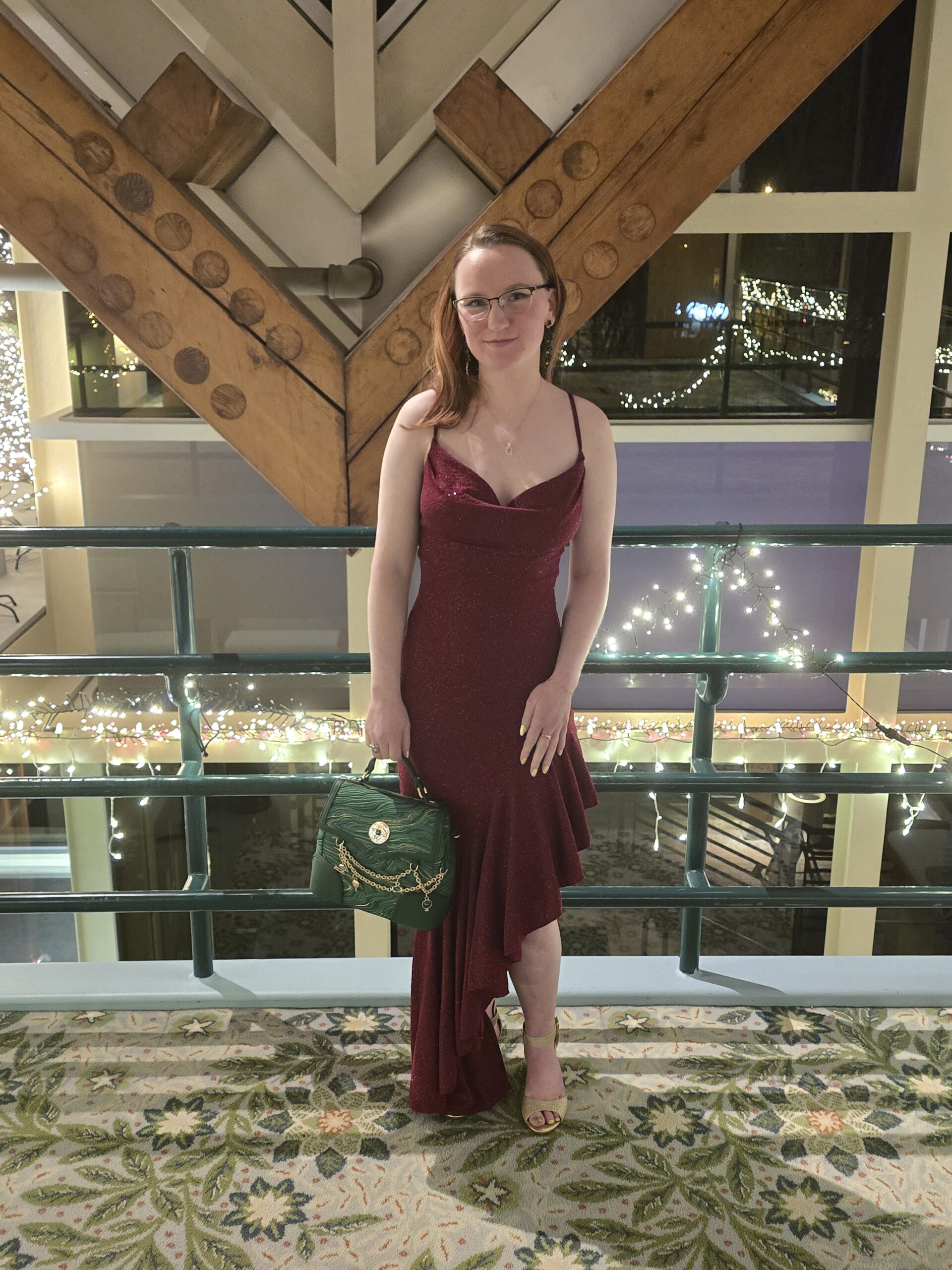
Morgan Felder

Morgan Felder

Facilities Scheduling Assistant
Hello, my name is Morgan, I am a junior here at Western Oregon University. I’m studying Exercise Science in order to become a Physical Therapist. Along with being a Facilities Scheduling Assistant for Student Engagement, I am also a Student Custodian at the WUC, the Vice-President of the Exercise Science Club and a Senator for ASWOU. I love to read and geek out on nerd things such as Disney, Harry potter, Star Wars, books, Geology and Art.